From SketchUp to a photoreal render
Export a view from SketchUp, drop it into Vizease and get a photoreal render back in under a minute — with your model’s geometry and camera exactly as you set them. No plugin, no render settings, no prompt.
Three steps
Set up the view
Frame it the way you want the final image, and save it as a Scene so you can come back to the exact camera.
Export it
File → Export → 2D Graphic, as PNG or JPG, at least 1920 pixels wide.
Render it in Vizease
Upload, choose Exterior or Interior, press render.
Tips for the best result
- Use Two-Point Perspective
- Camera → Two-Point Perspective keeps vertical lines straight, the way architectural photographers shoot.
- Show your materials
- Use Shaded with Textures. Vizease reads colours and textures from the screenshot: a wood texture becomes wood, and a plain grey surface gets a realistic material that suits it.
- Model the ground
- A green ground plane becomes a lawn, and grey surfaces become paths and paving. Vizease plants only on unpaved ground and never adds paths that are not in your model.
- Hide what should not be in the picture
- Axes, guides, section planes, dimensions and text.
- Compose in SketchUp
- Vizease keeps your framing exactly and never moves the camera, so the view you export is the view you get.
- Furniture and people
- Everything in your model is rendered in place. People are added only if you switch on Add People.
Why SketchUp users use Vizease
No plugin
It works from an image, so any SketchUp version works — including SketchUp Free in the browser.
Your design stays yours
Walls, openings and roof lines come back exactly as modelled.
Several scenes, one look
With Pro and Studio, render up to 5 scenes of the same project together, with matching materials and landscaping.
Up to 4K
Ready for client presentations.
SketchUp to render: examples
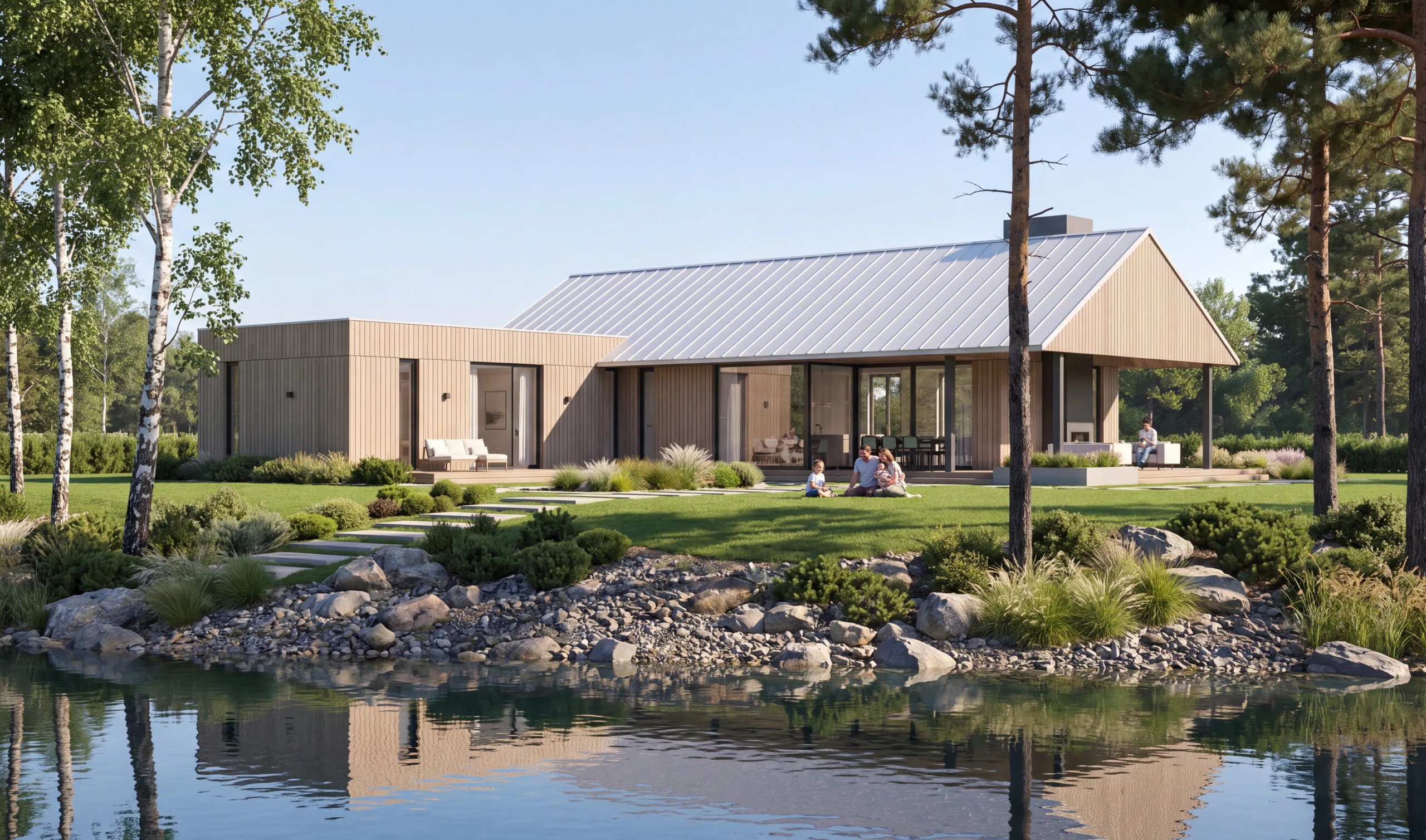
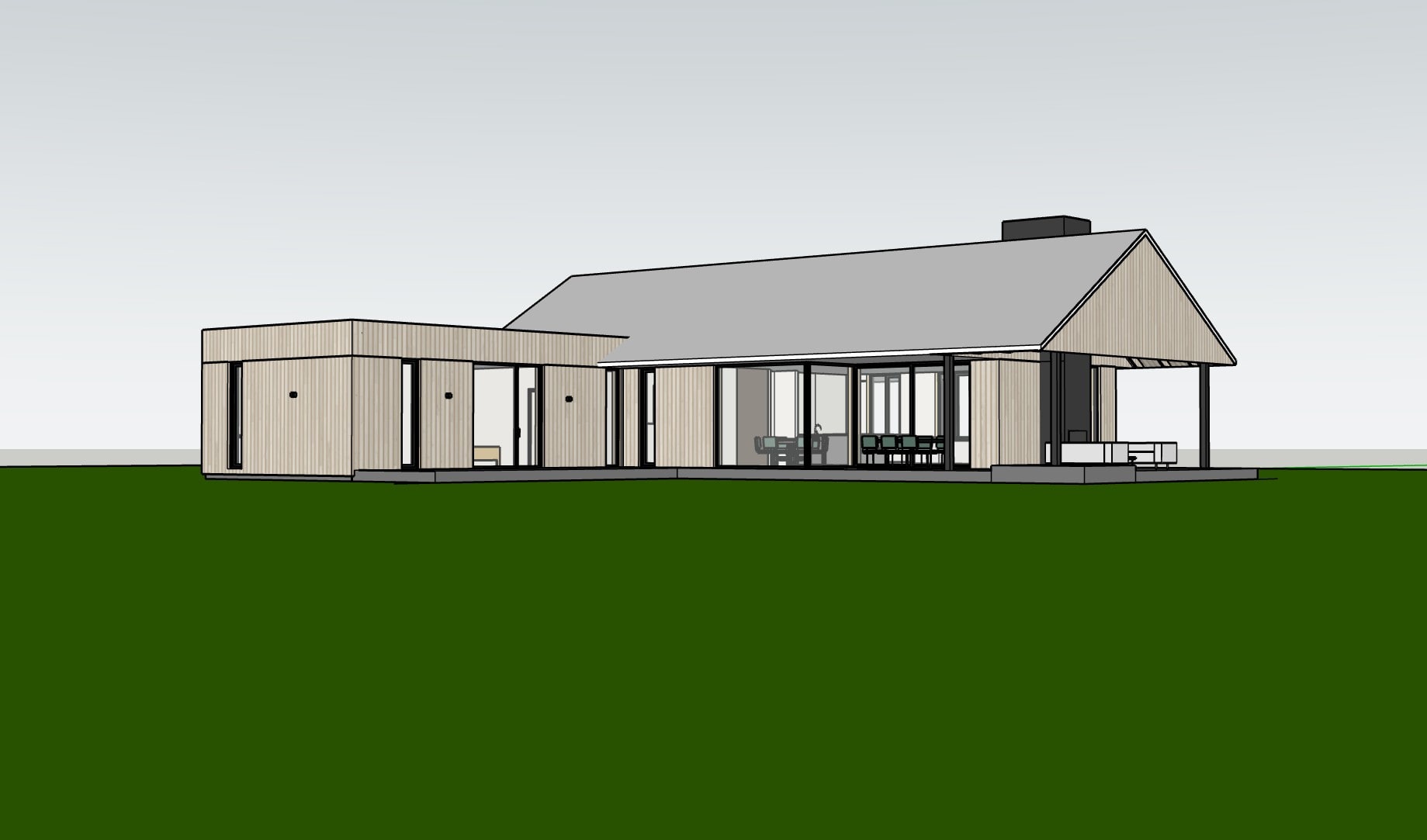
Example 12: the model screenshot, and the Vizease render made from it. 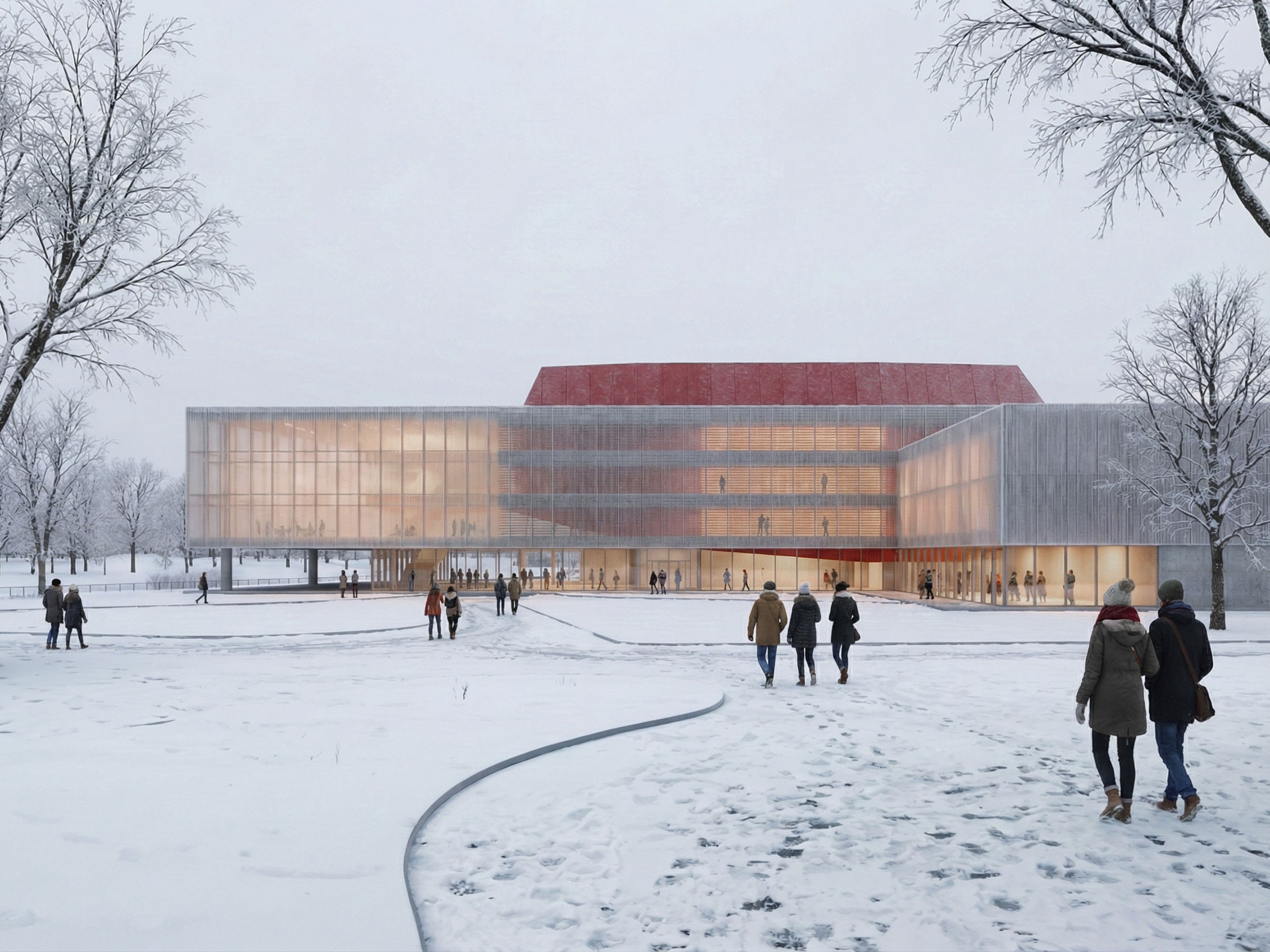
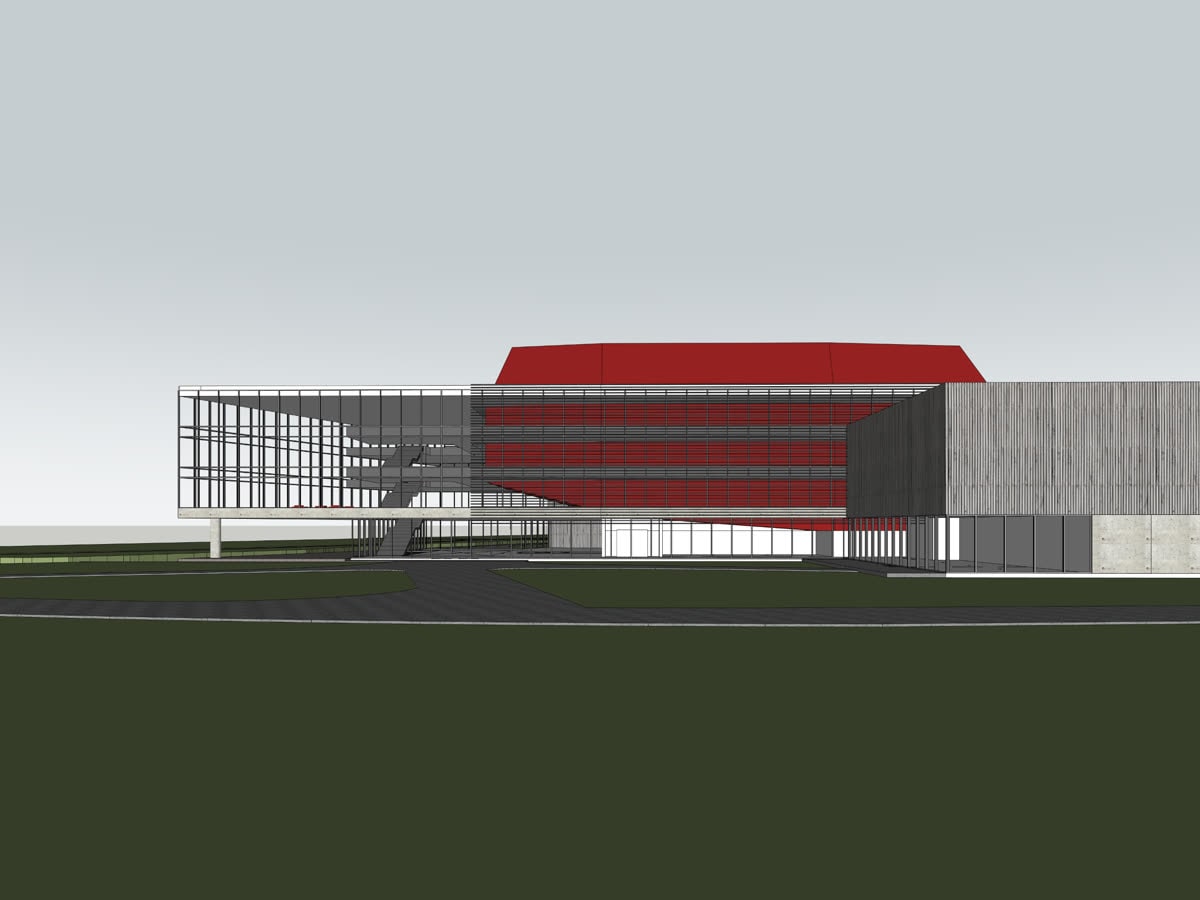
Example 8: the model screenshot, and the Vizease render made from it. 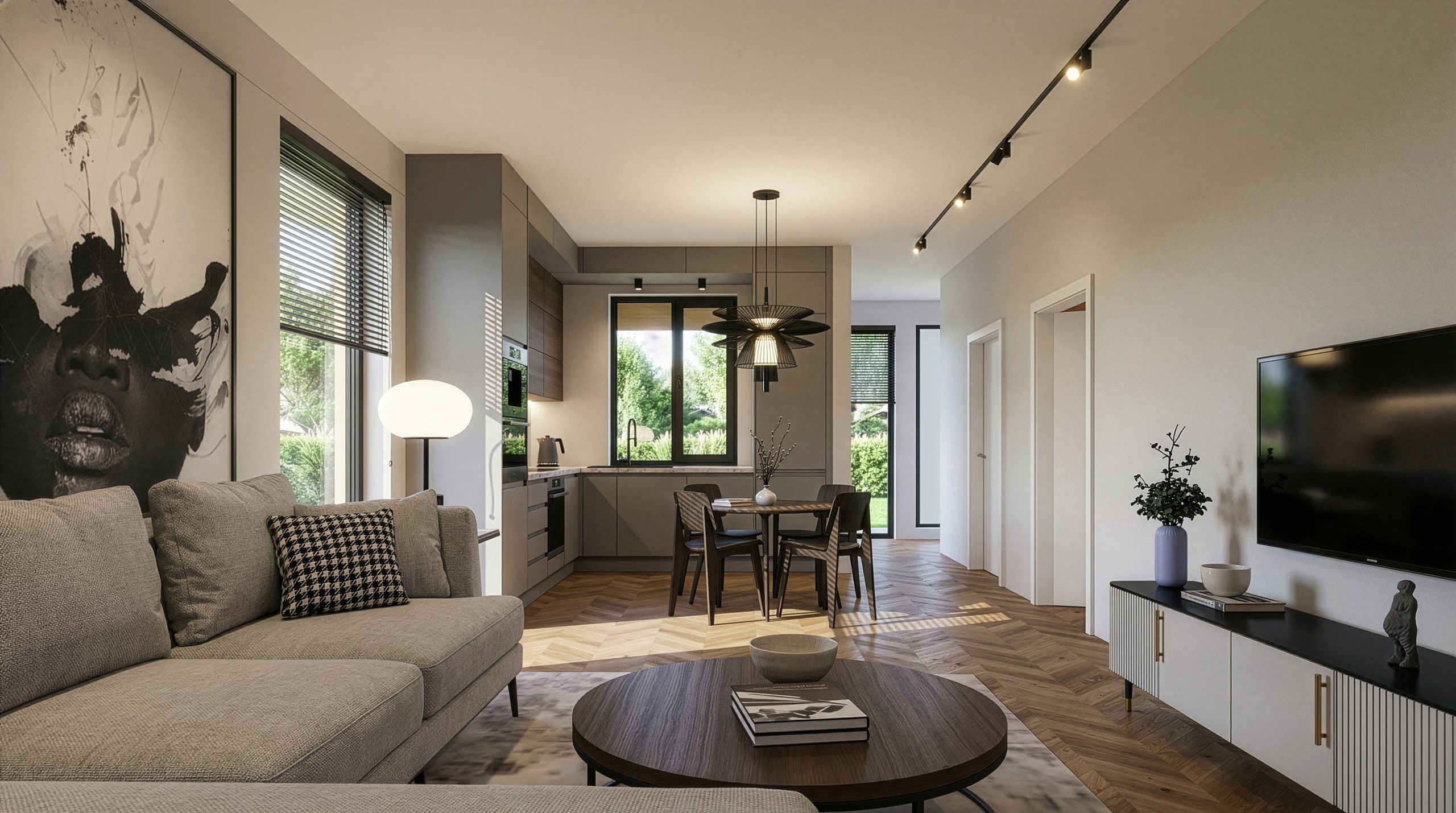
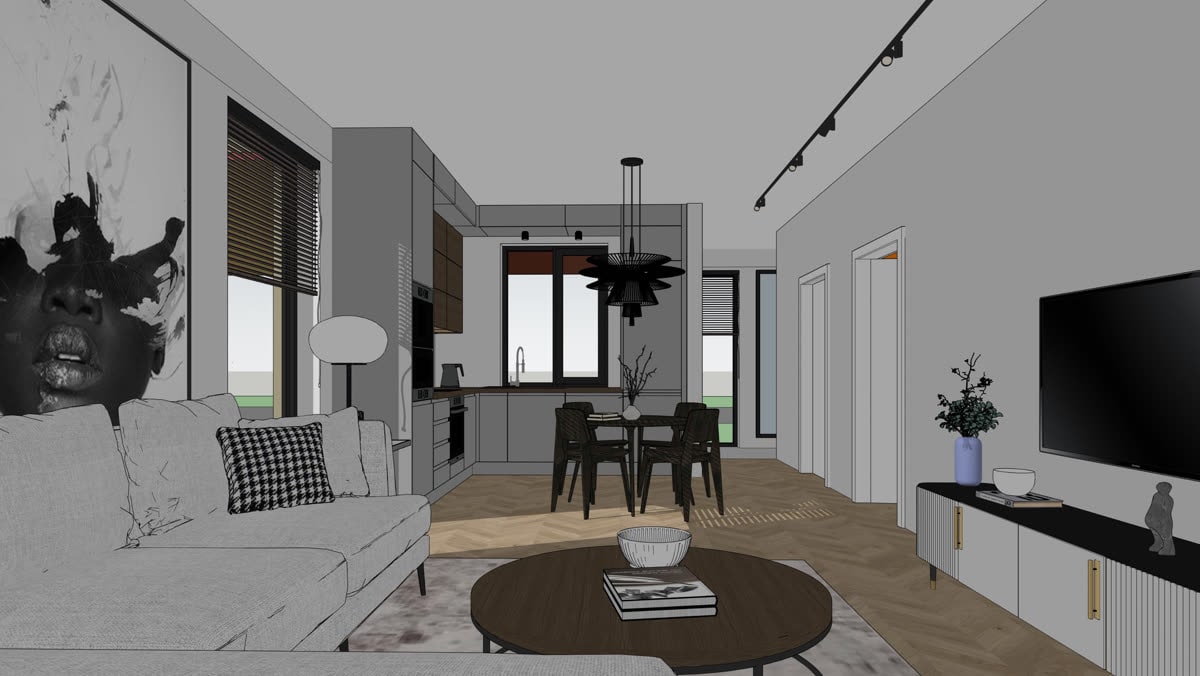
Example 4: the model screenshot, and the Vizease render made from it.
Questions
- Do I need a plugin or extension?
- No. Export an image from SketchUp and upload it.
- Does it work with SketchUp Free?
- Yes. Any version that can export an image or take a screenshot works.
- Will my V-Ray or Enscape materials carry over?
- Vizease works from what the screenshot shows. Textures visible in your view guide the render; render-engine settings do not matter.