Architectural Visualisation

Upload your sketch. Press render. That’s it.

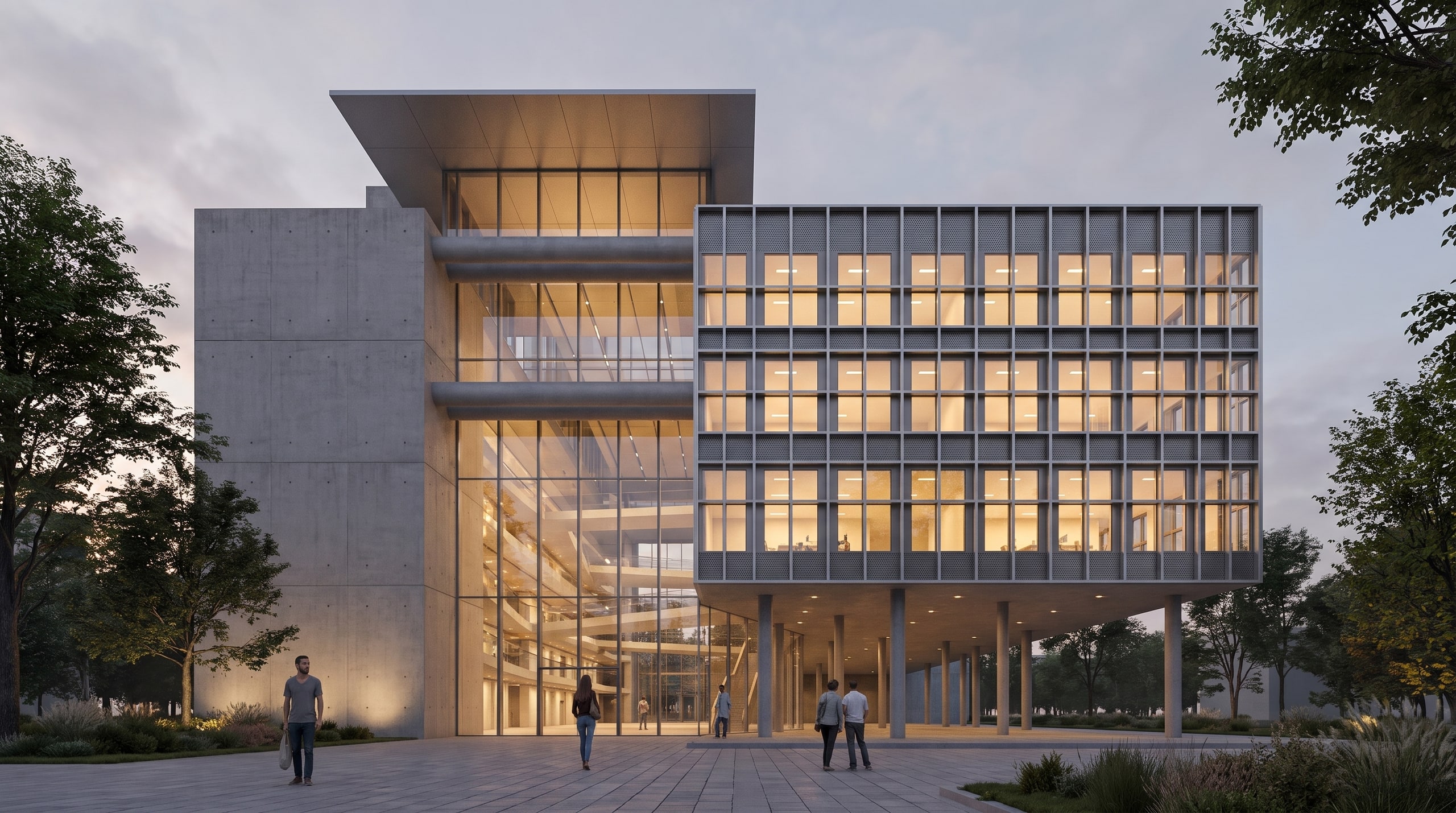
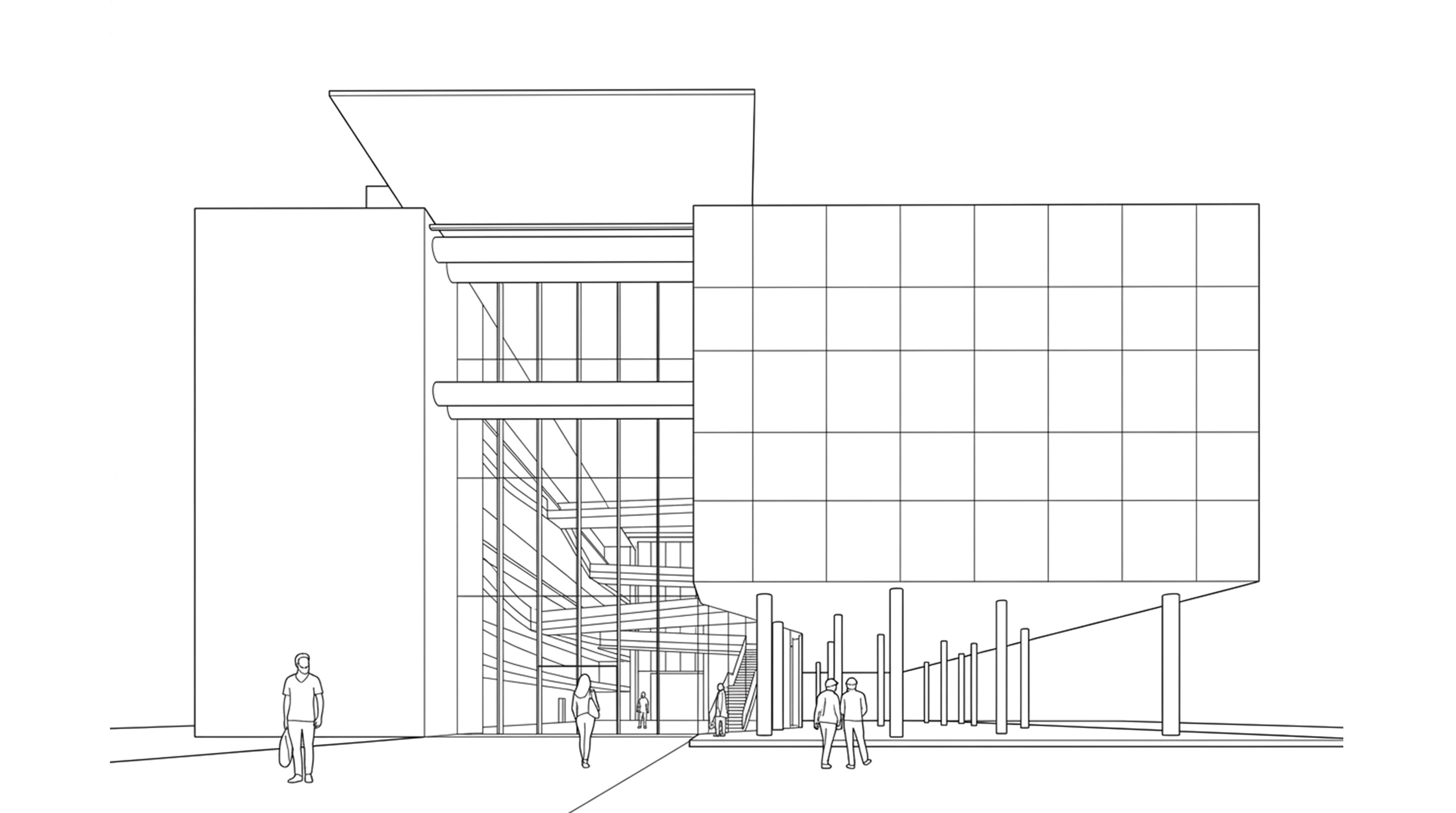
Drop in a SketchUp viewport and get a photoreal render back. No prompts, no presets — and your geometry is never redrawn.

Start rendering

Two clicks. No prompt writing.

Most AI render tools want you to write a prompt describing your own building, then pick from dozens of presets and sliders. With Vizease you skip all of that.

  1. Upload the viewport

    Take a screenshot from SketchUp, Revit, Rhino or whatever you model in. A photo of a hand sketch works too.

  2. Press render

    That's it. You don't have to write or set up anything. Vizease takes it from there and keeps your design exactly as it is.

  3. Get the image back

    In about thirty seconds you have a photoreal render, up to 4K, ready for your client presentation.

Your geometry is never redrawn.

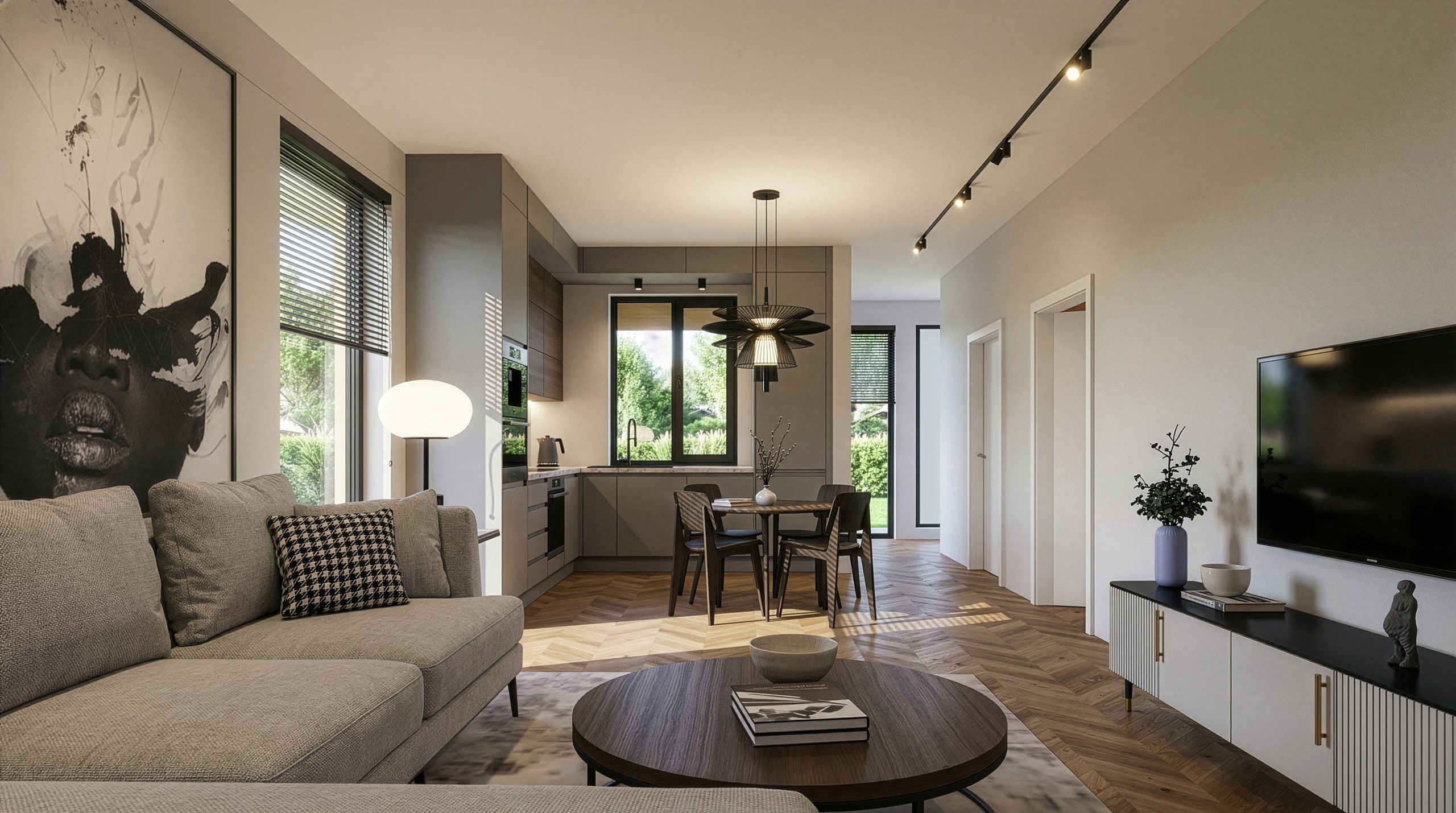
Generic AI tools make renders look real by changing the design. Windows move, roofs get reinvented, the camera shifts. They even add details that were never in your model.

Nice pictures, wrong building.

  • Structure stays locked

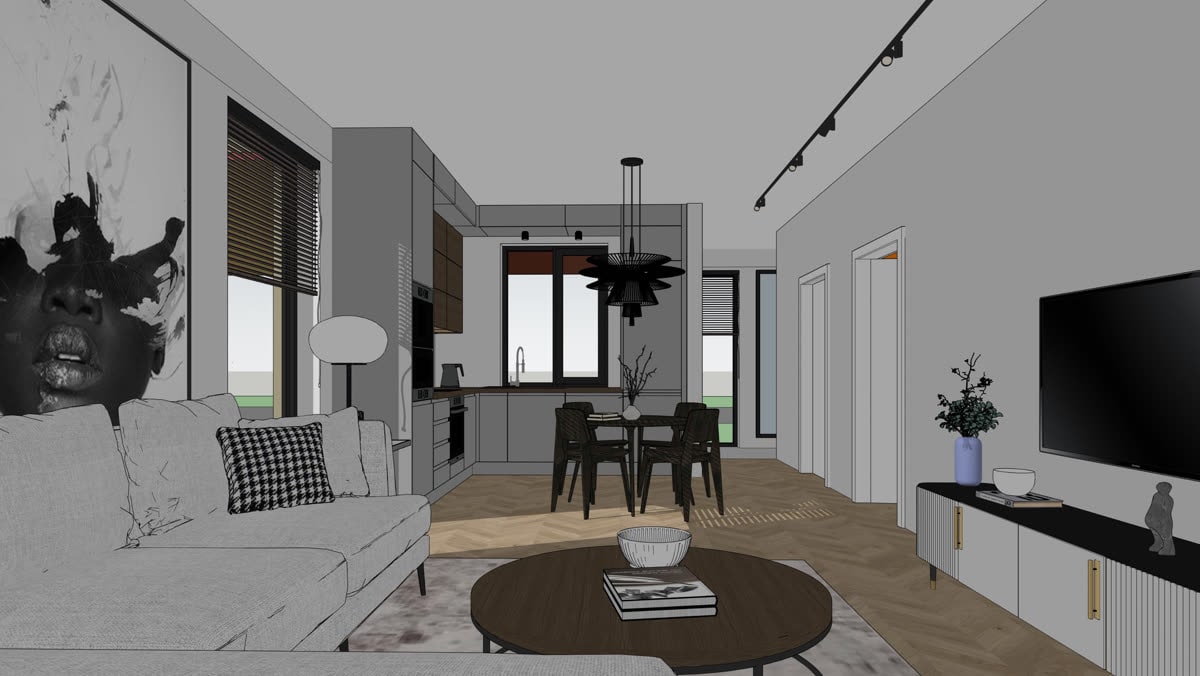
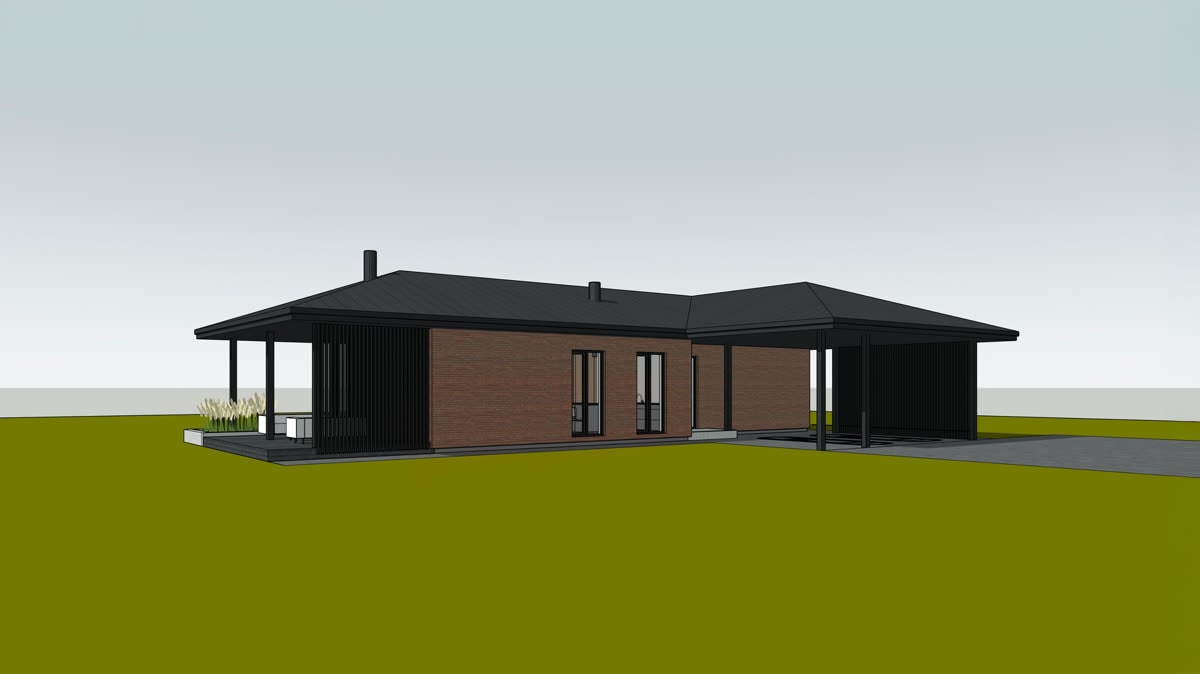
    Walls, openings, rooflines and proportions come back exactly as you modelled them. If your pavilion has twelve posts, the render has twelve posts.

  • The camera never moves

    Upload a flat elevation and a flat elevation comes back. Your view is never reframed, and no perspective is invented to show a side you never designed.

  • Only surfaces change

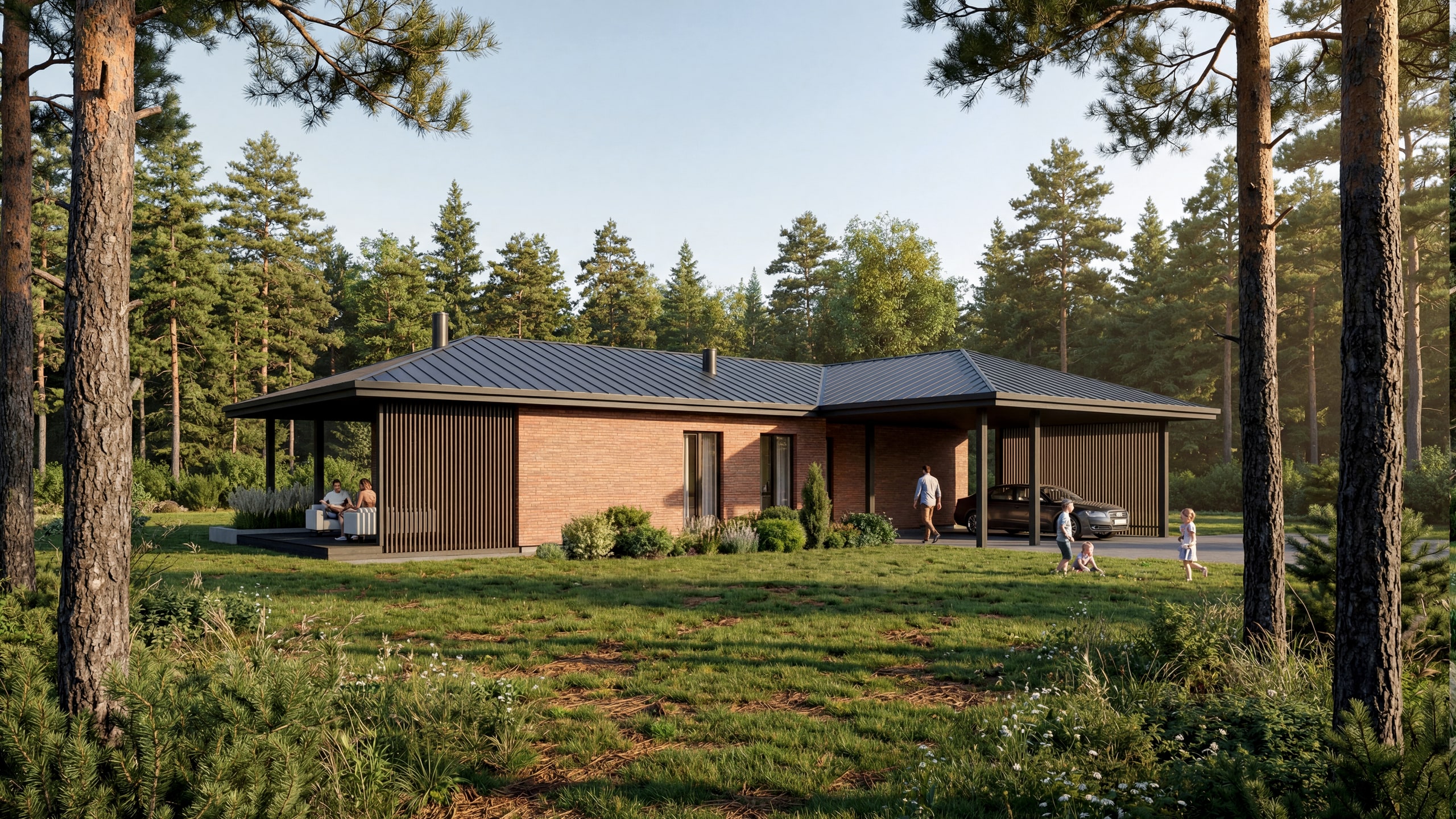
    Materials, light, shadow and landscaping are the only additions. Nothing on the building itself is added, moved or removed.
Recent work

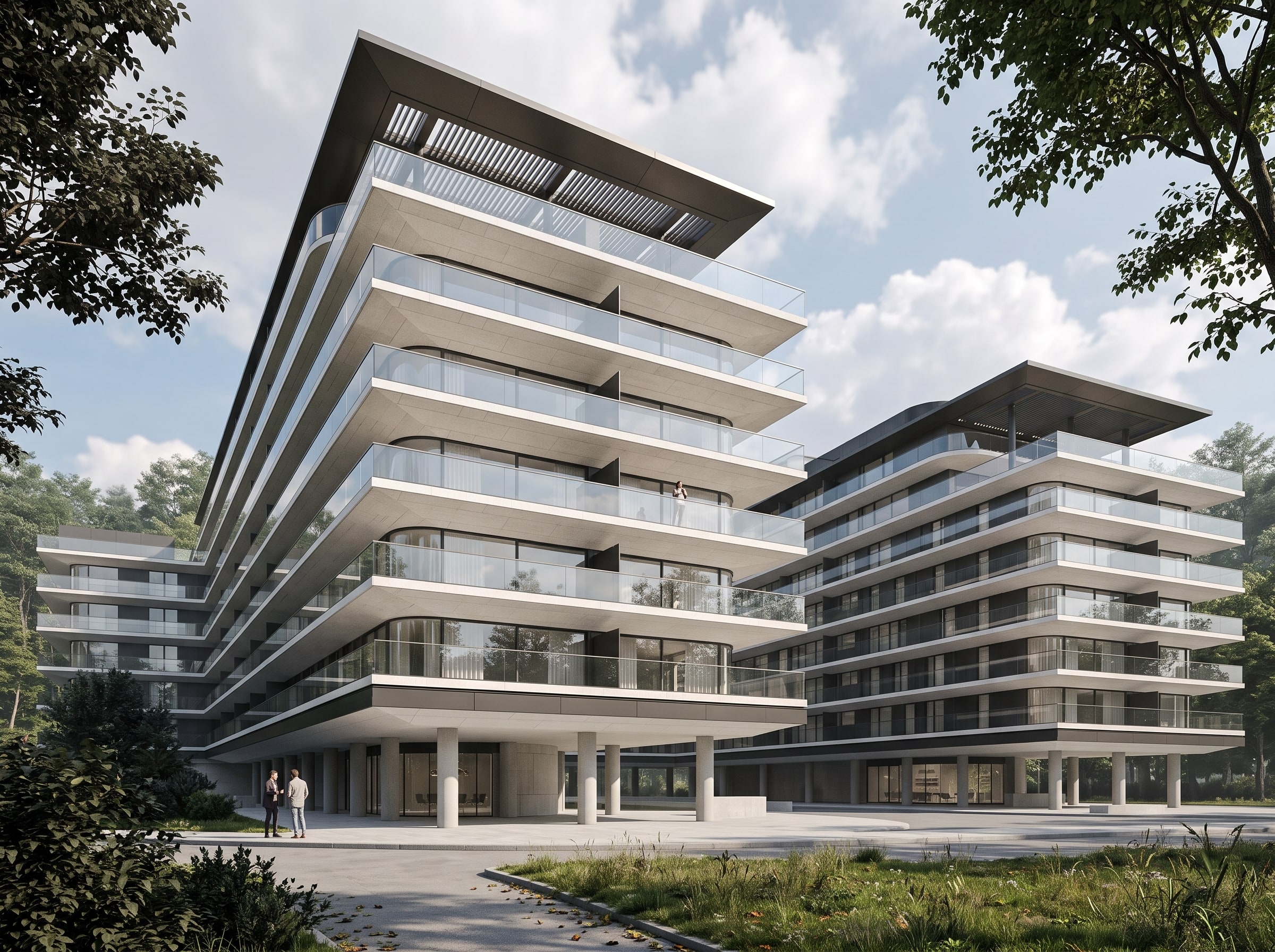
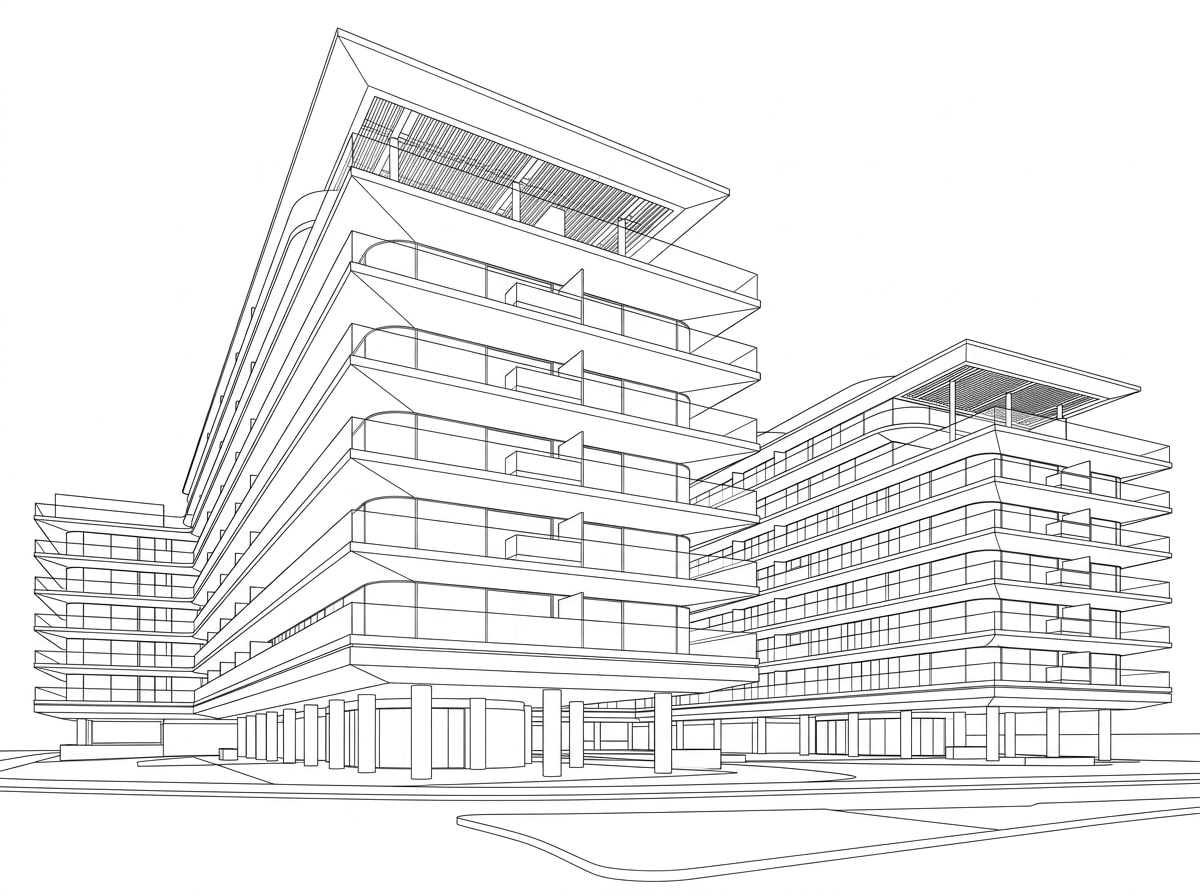
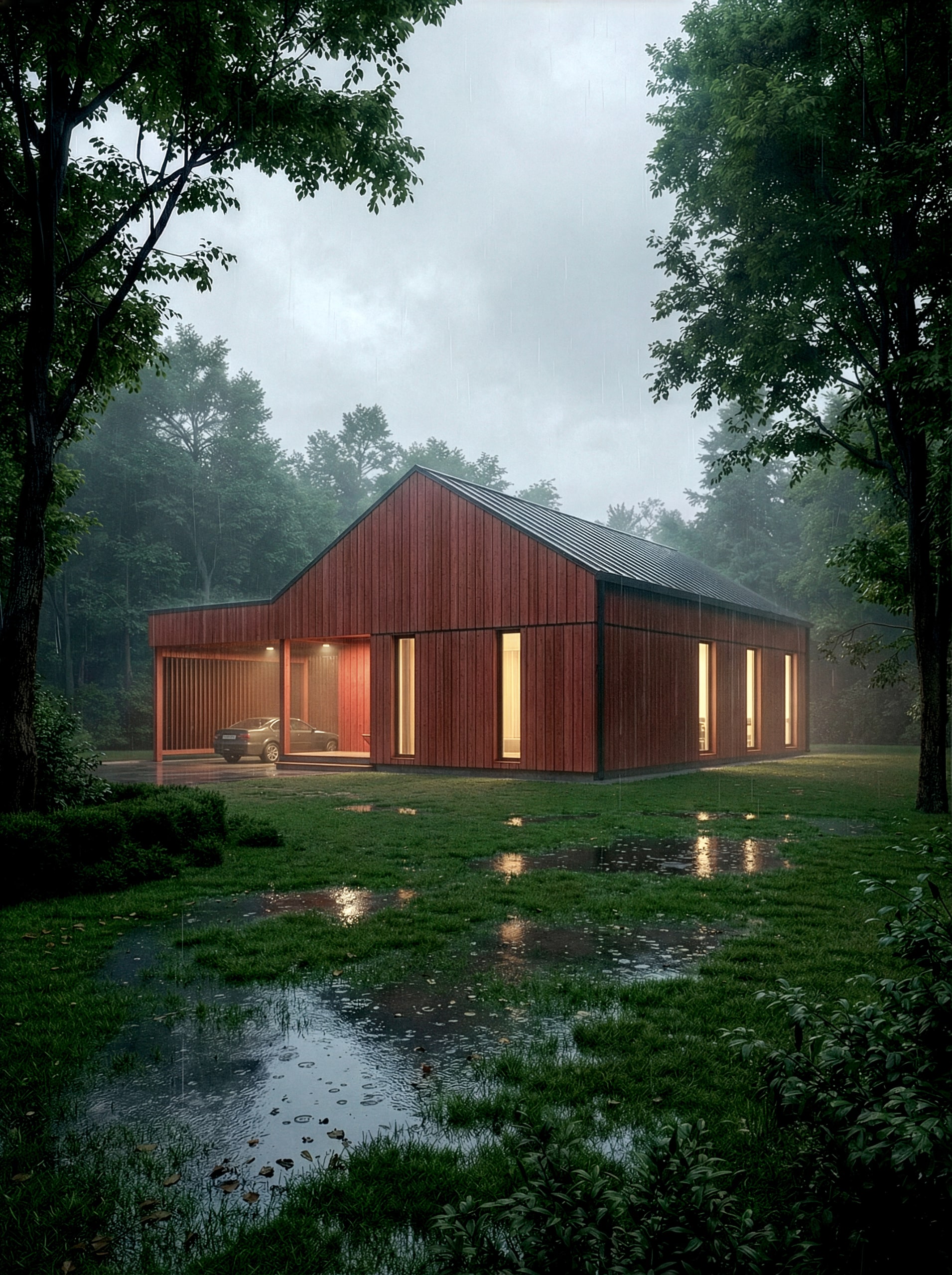
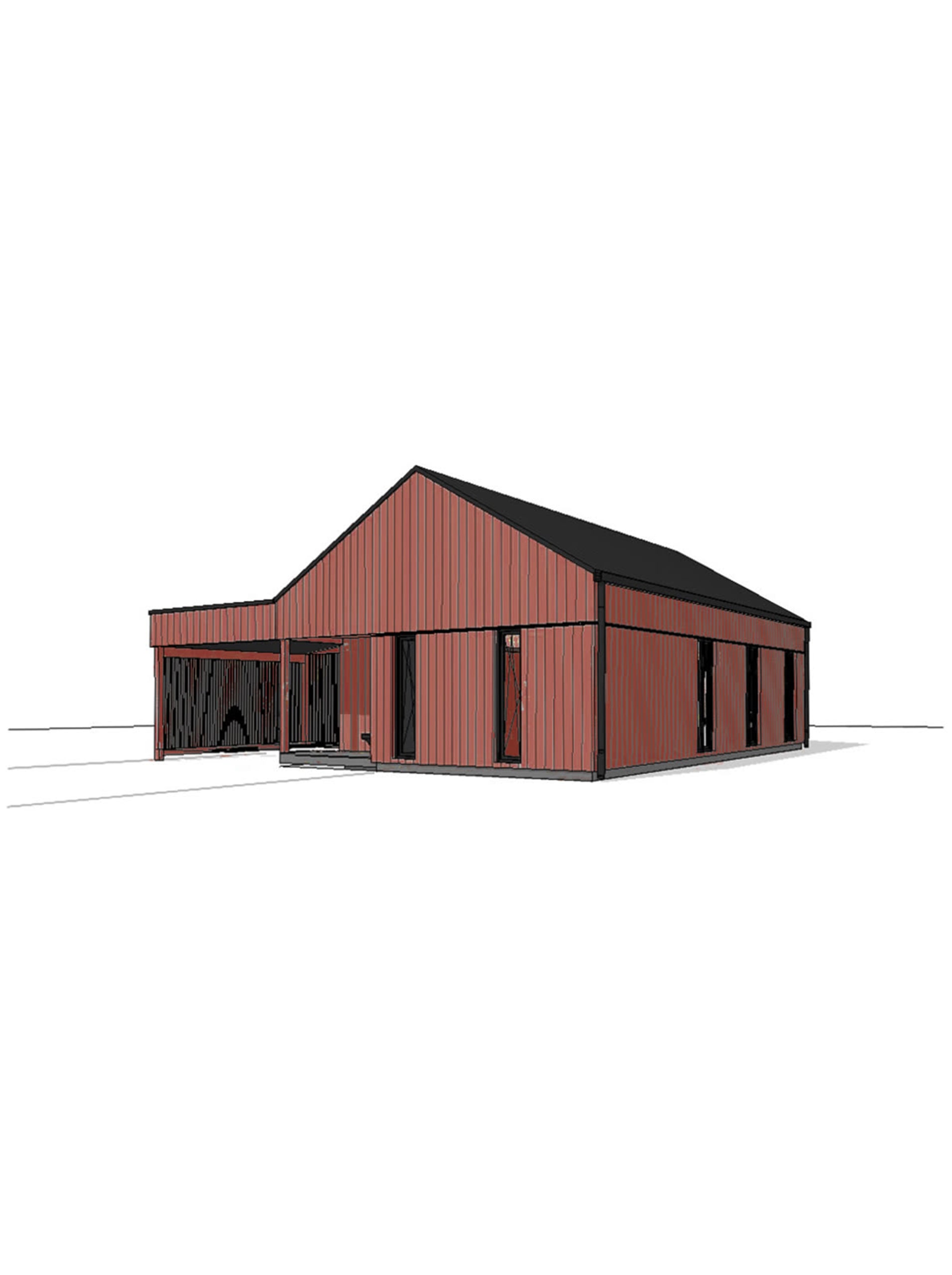
  • Photoreal architectural render made by Vizease from a 3D model screenshot (example 1) The 3D model screenshot the render was made from, before rendering (example 1)
    Example 1: the model screenshot, and the Vizease render made from it.
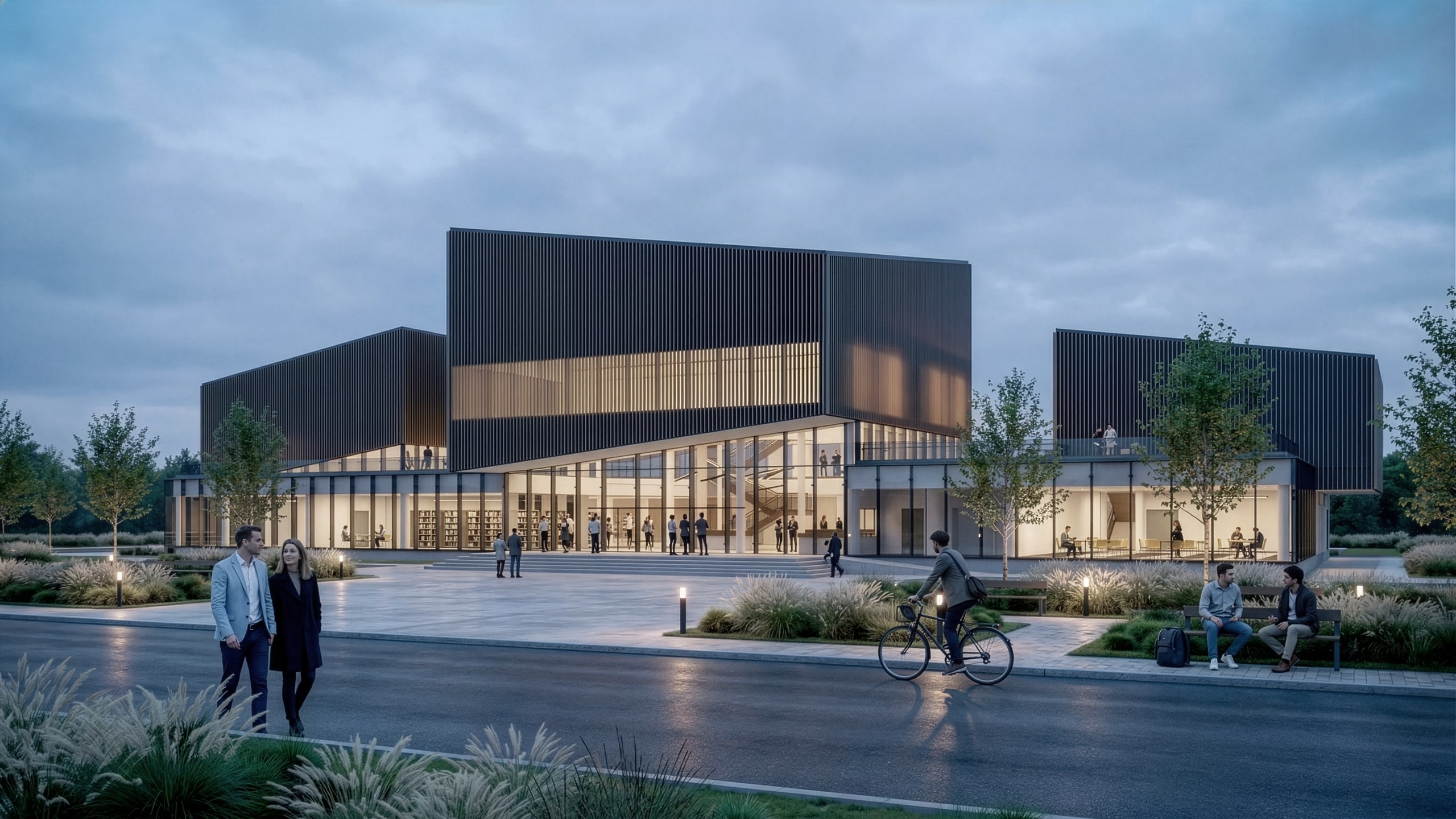
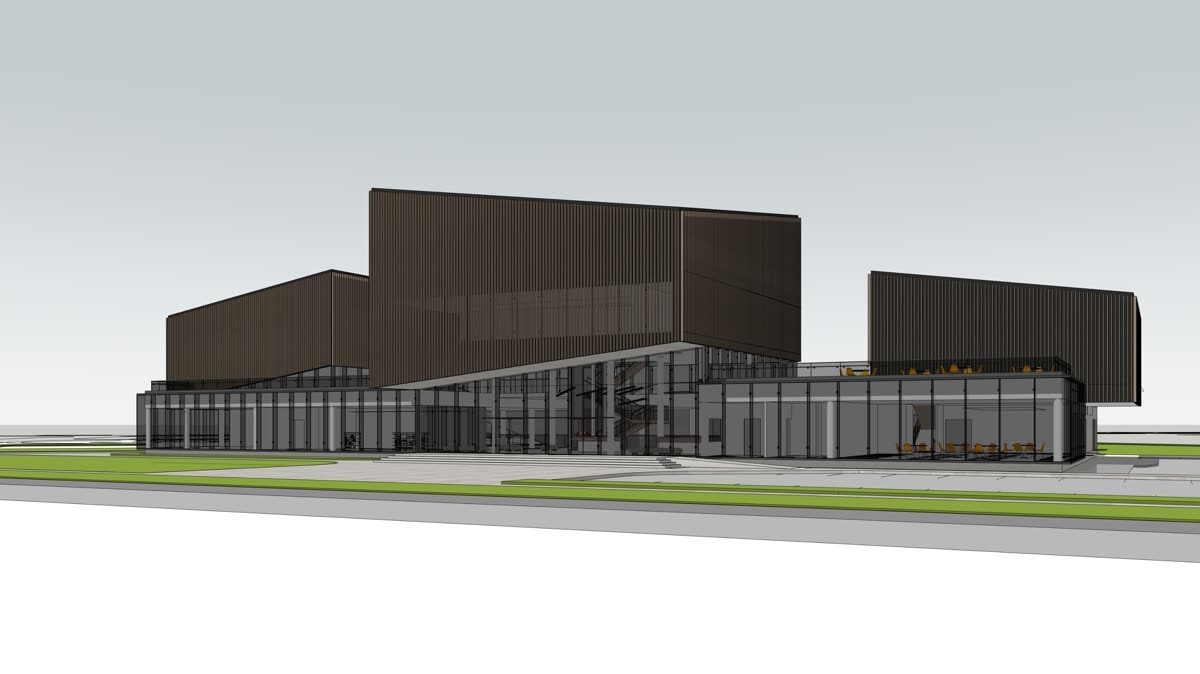
  • Photoreal architectural render made by Vizease from a 3D model screenshot (example 2) The 3D model screenshot the render was made from, before rendering (example 2)
    Example 2: the model screenshot, and the Vizease render made from it.
  • Photoreal architectural render made by Vizease from a 3D model screenshot (example 3) The 3D model screenshot the render was made from, before rendering (example 3)
    Example 3: the model screenshot, and the Vizease render made from it.
  • Photoreal architectural render made by Vizease from a 3D model screenshot (example 4) The 3D model screenshot the render was made from, before rendering (example 4)
    Example 4: the model screenshot, and the Vizease render made from it.
  • Photoreal architectural render made by Vizease from a 3D model screenshot (example 5) The 3D model screenshot the render was made from, before rendering (example 5)
    Example 5: the model screenshot, and the Vizease render made from it.
  • Photoreal architectural render made by Vizease from a 3D model screenshot (example 6) The 3D model screenshot the render was made from, before rendering (example 6)
    Example 6: the model screenshot, and the Vizease render made from it.

See the full gallery

Pricing: Pay per render.

Pay for renders, not seats. Every plan includes the full studio. Monthly plans, cancel any time. Prices exclude VAT where it applies.

New accounts get 3 free renders, at 1K with a small watermark, no card needed.

Basic Plan — $15 per month

For freelancers and small projects.

  • 145 credits included
  • 90-day render history
  • Standard generation speed
  • Commercial usage rights
  • Email support

Pro Plan — $39 per month

For professional architects and designers.

  • 400 credits included
  • 90-day render history
  • Fast generation queue
  • Priority support
  • Batch rendering

Studio Plan — $79 per month

For studios and agencies.

  • 880 credits included
  • 90-day render history
  • Lowest cost per credit
  • Priority generation queue
  • Dedicated account manager

What a render costs

  • A 1K render: 4 credits
  • A 2K render: 5 credits
  • A 4K render: 7 credits
  • A reference image: +1 credit
  • Downloads: free, at full resolution

Top-up credit packs (with any plan)

  • 77 credits for $10
  • 200 credits for $25
  • 490 credits for $60
  • 1020 credits for $120

Plan credits renew each month. Top-up credits never expire; they are spent while a plan is active and wait for you if it lapses. Renders stay in your history for 90 days with a plan.