Gallery: model screenshots turned into photoreal renders
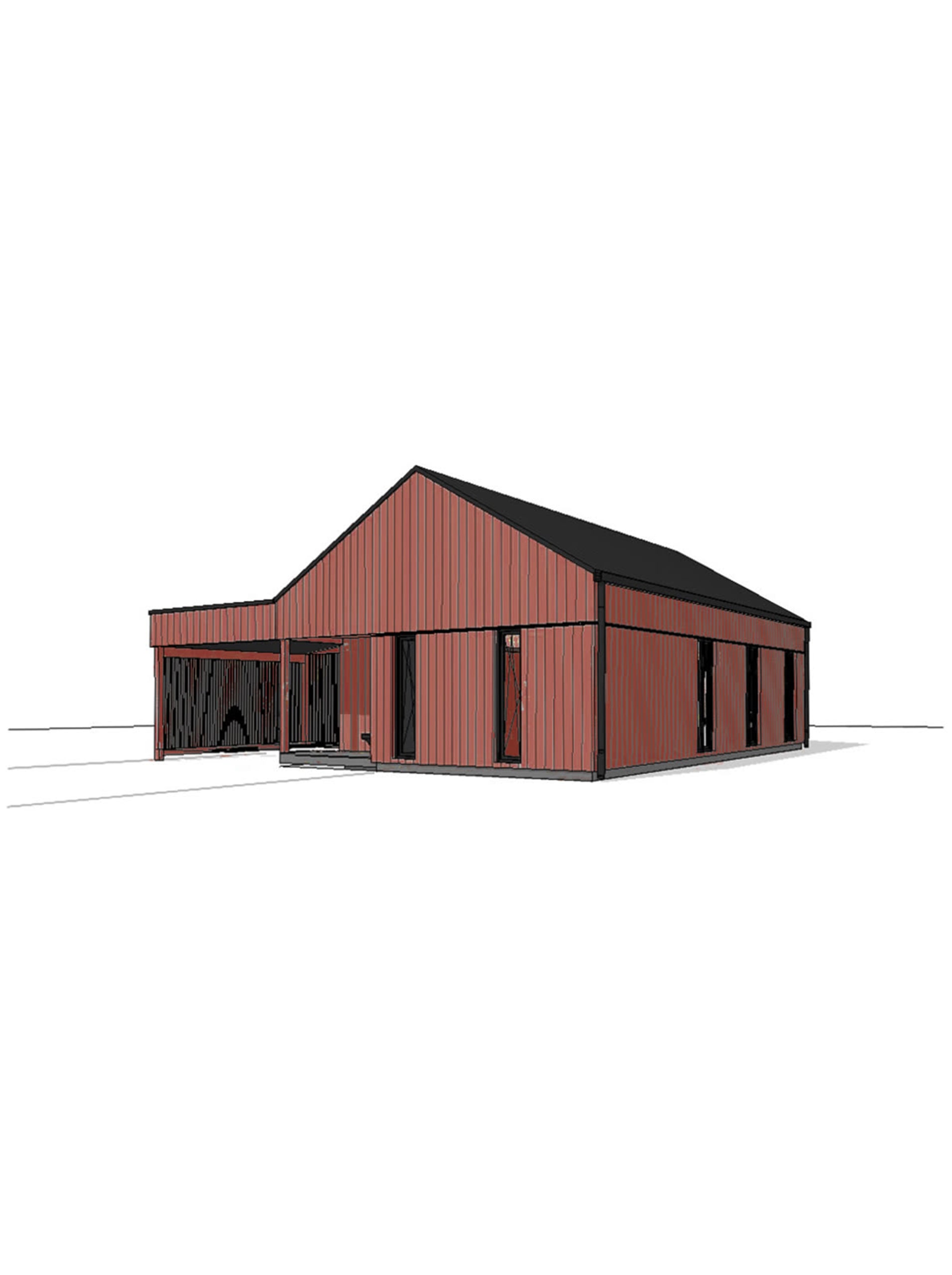
Before and after: each example is a screenshot from a 3D model, and the render Vizease made from it, with the building's geometry left exactly as it was.
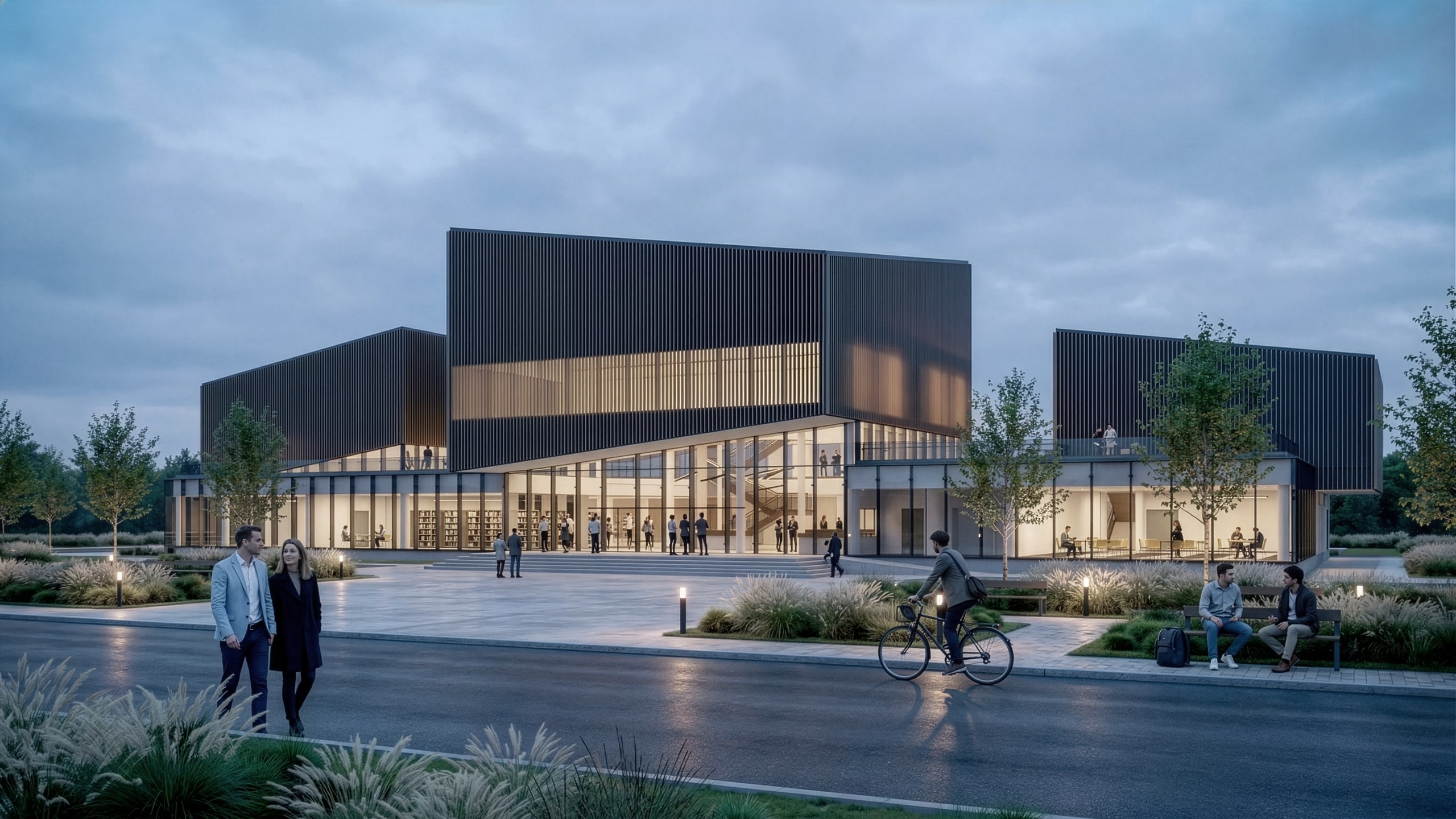
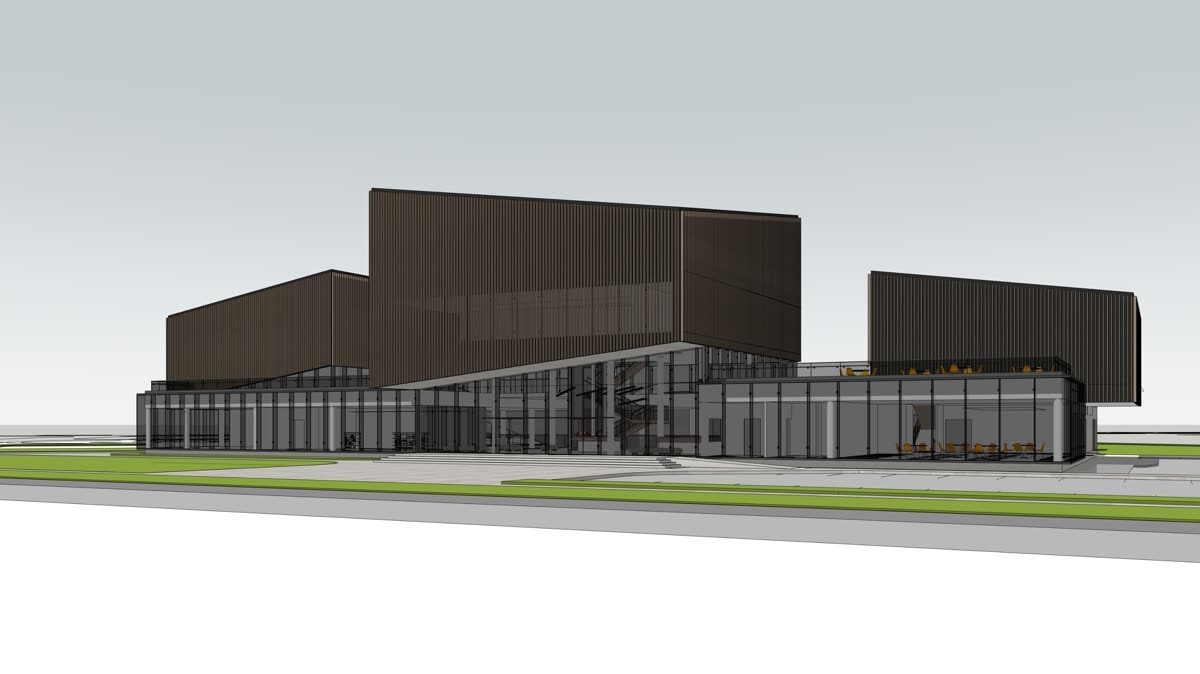
Example 1: the model screenshot, and the Vizease render made from it. 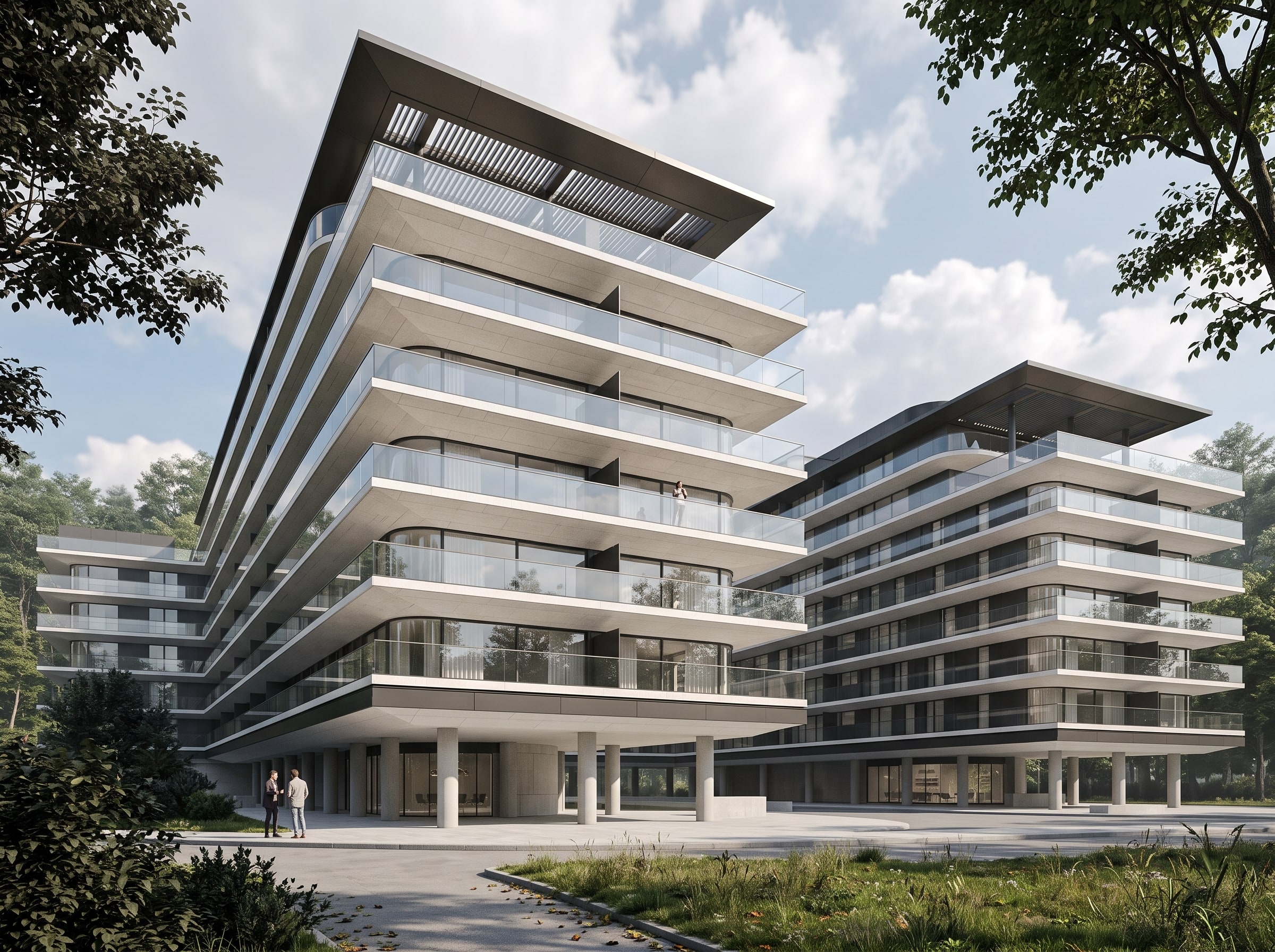
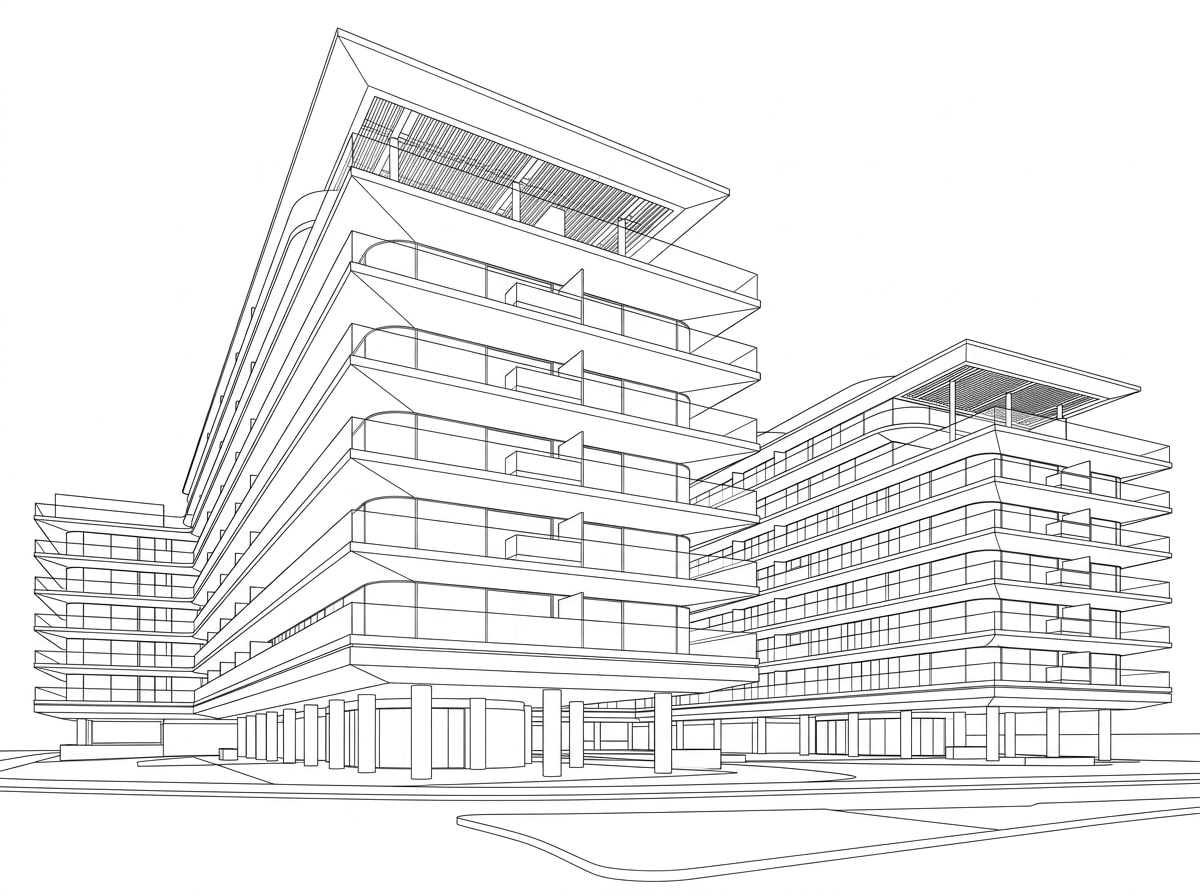
Example 2: the model screenshot, and the Vizease render made from it. 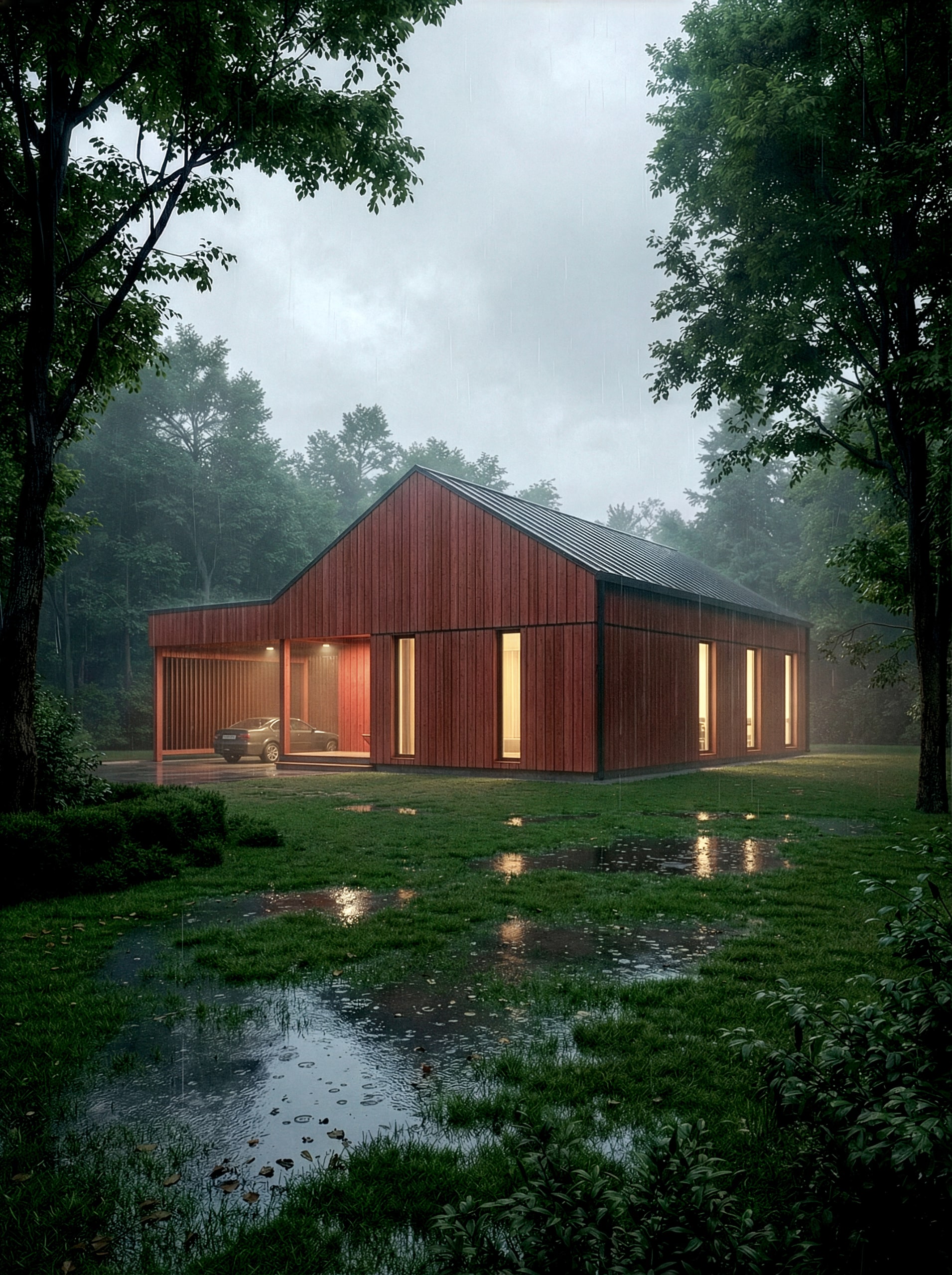
Example 3: the model screenshot, and the Vizease render made from it. 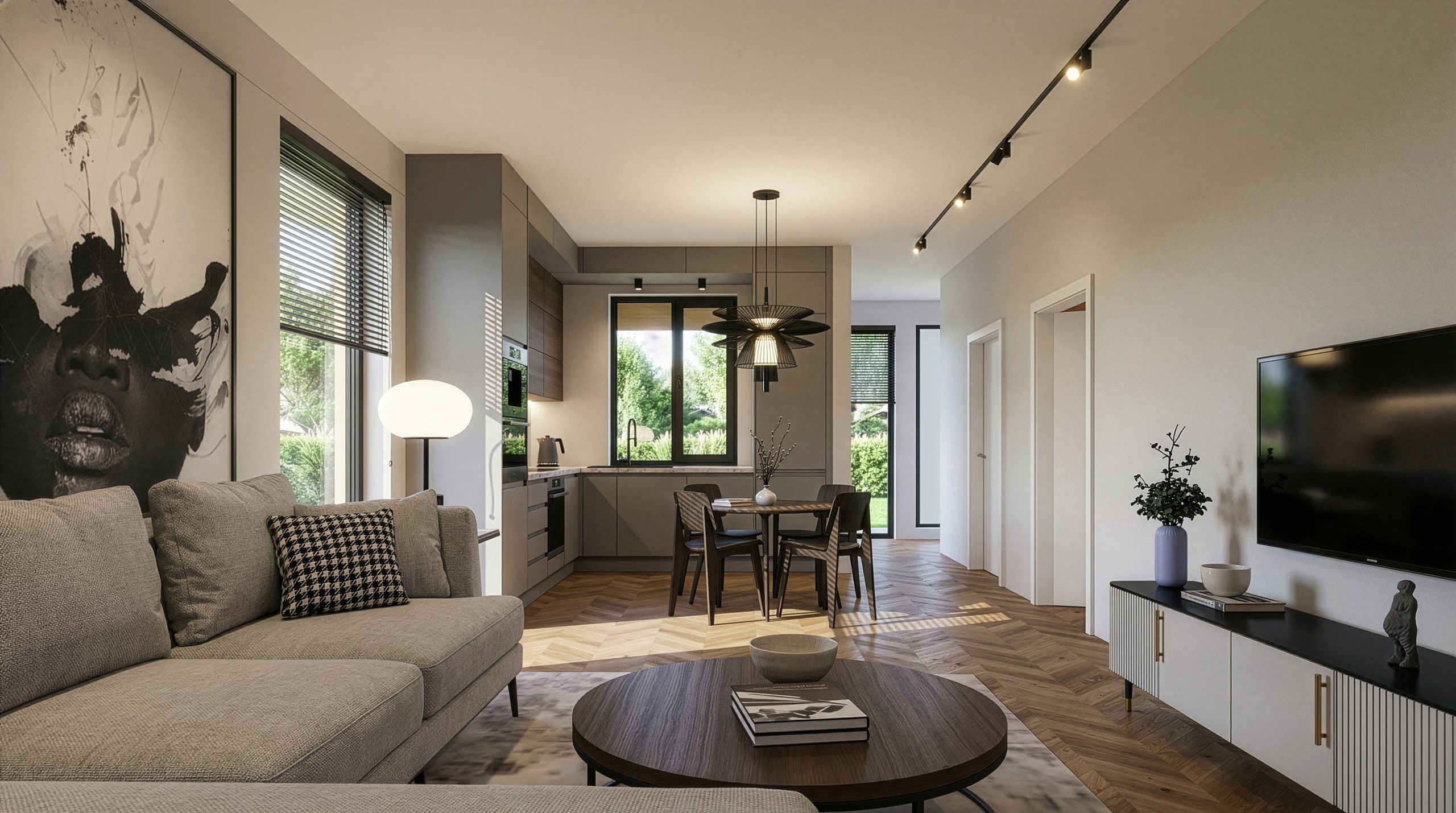
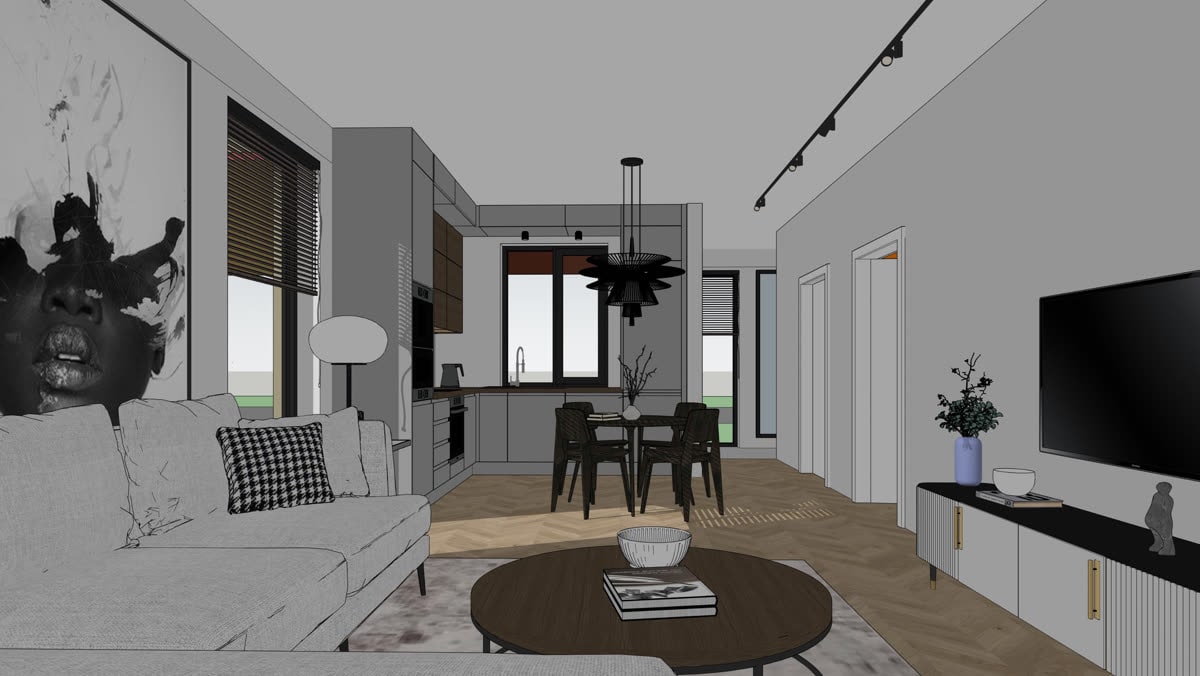
Example 4: the model screenshot, and the Vizease render made from it. 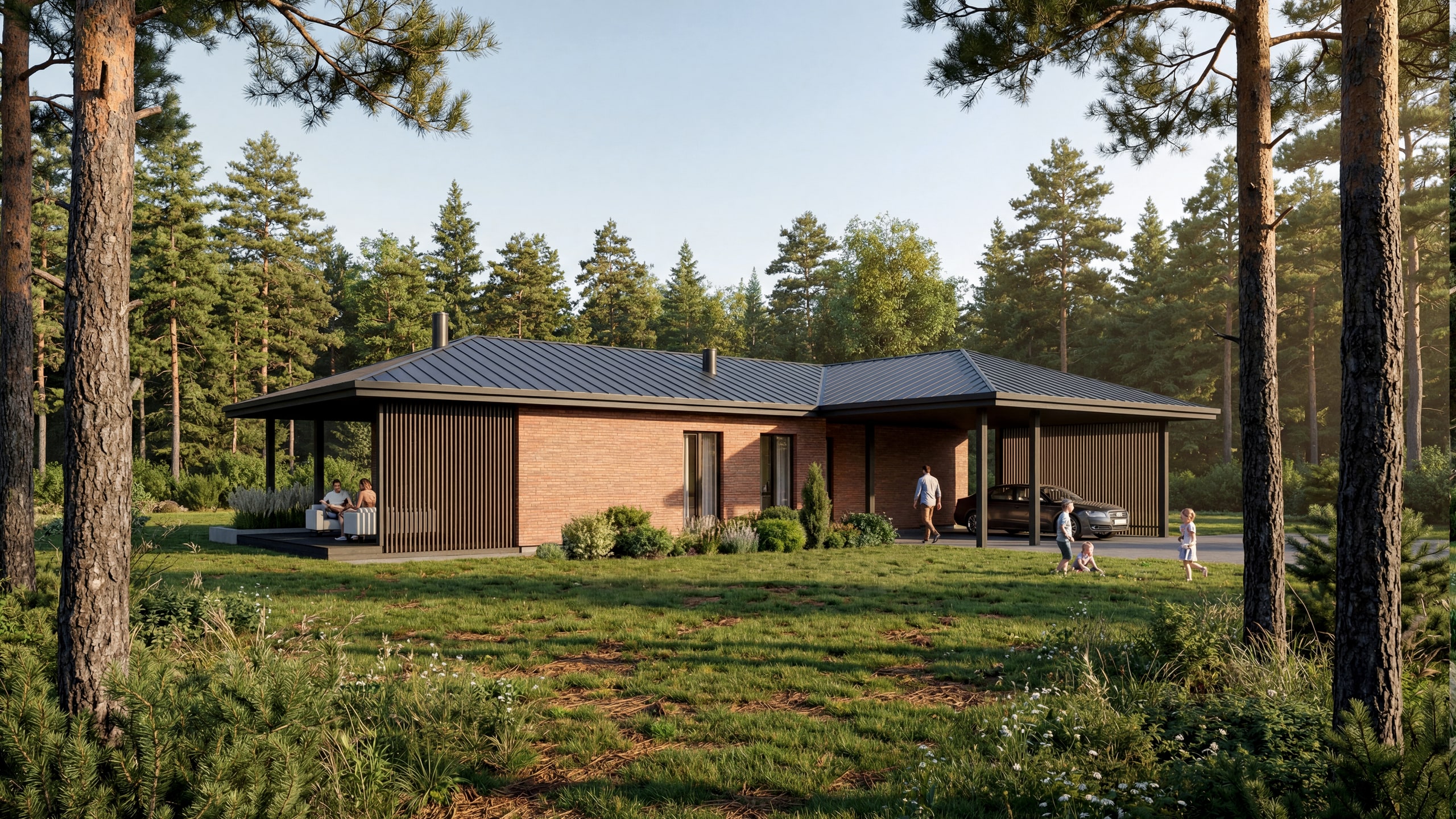
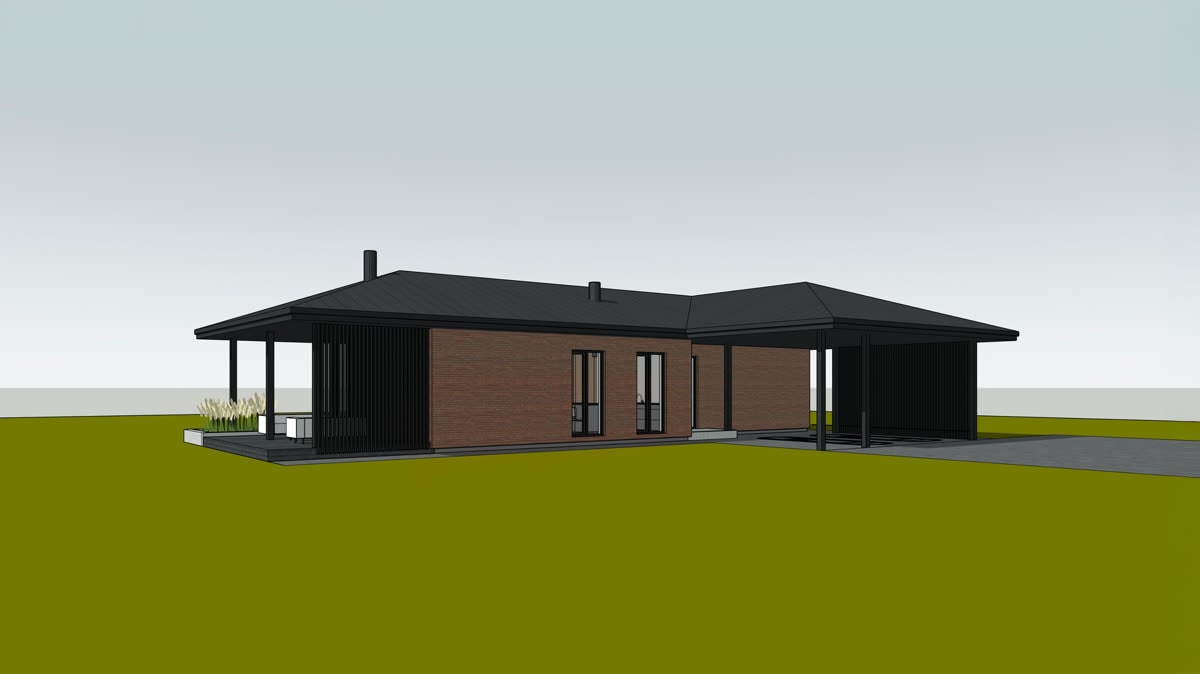
Example 5: the model screenshot, and the Vizease render made from it. 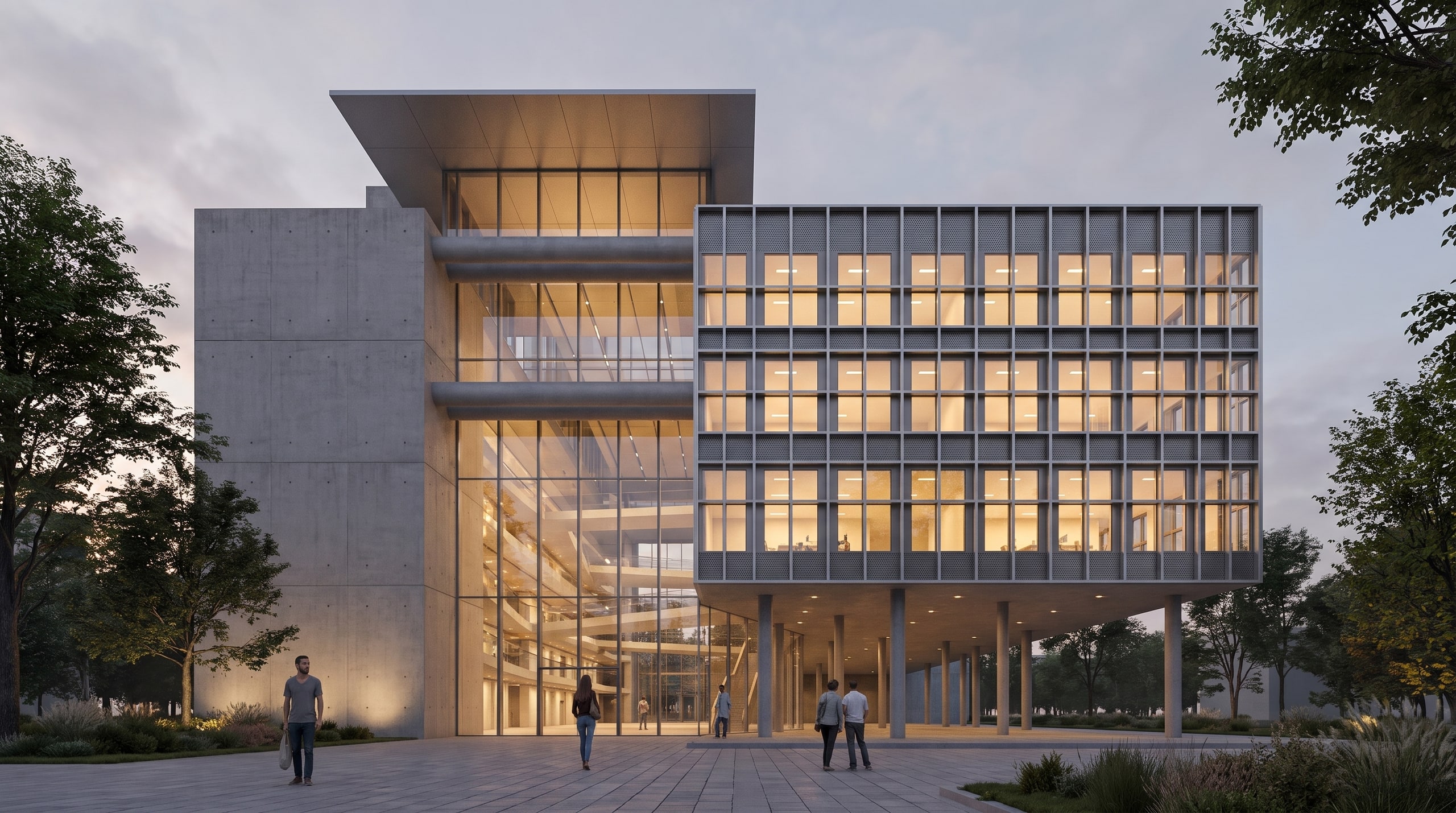
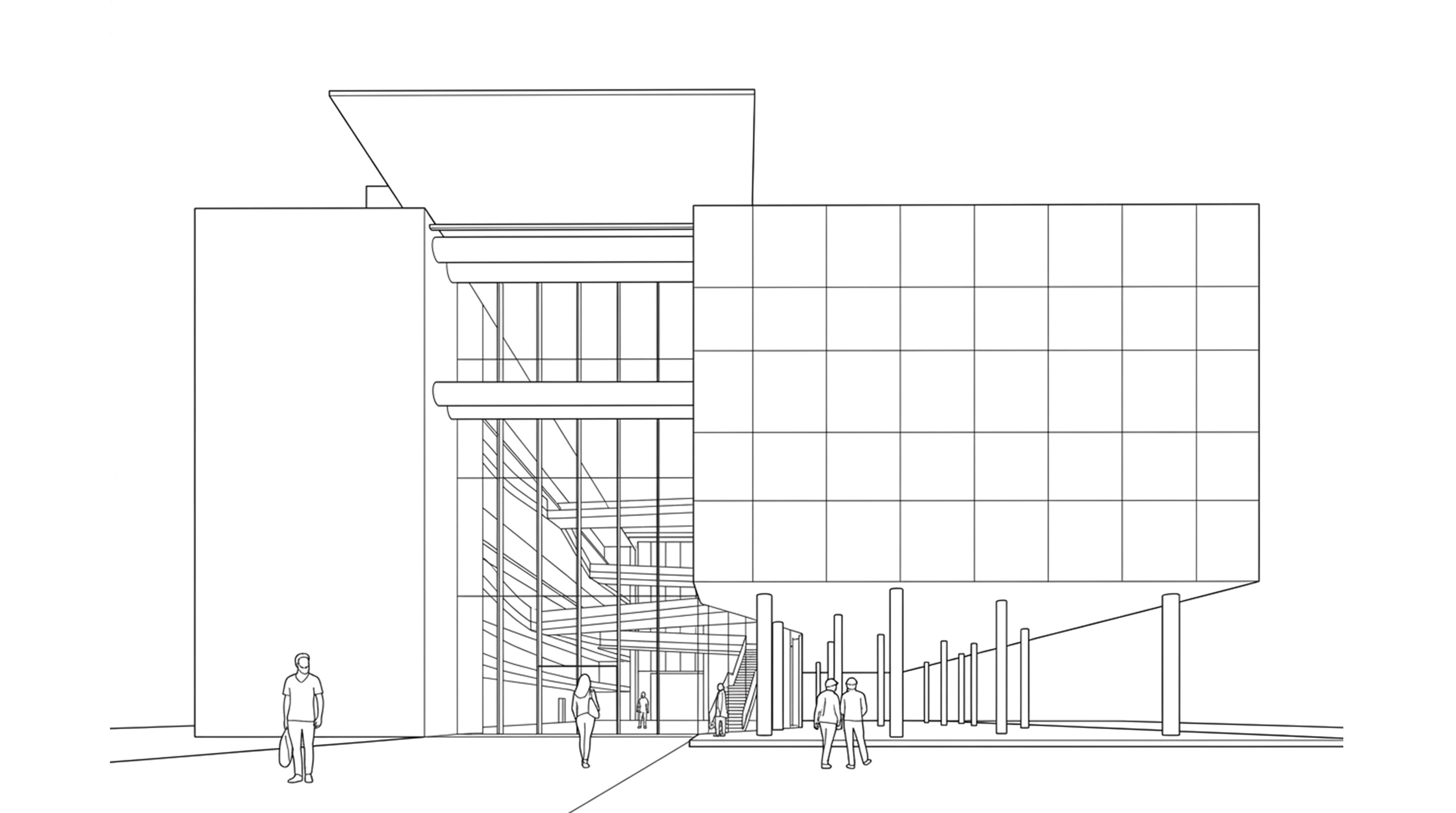
Example 6: the model screenshot, and the Vizease render made from it. 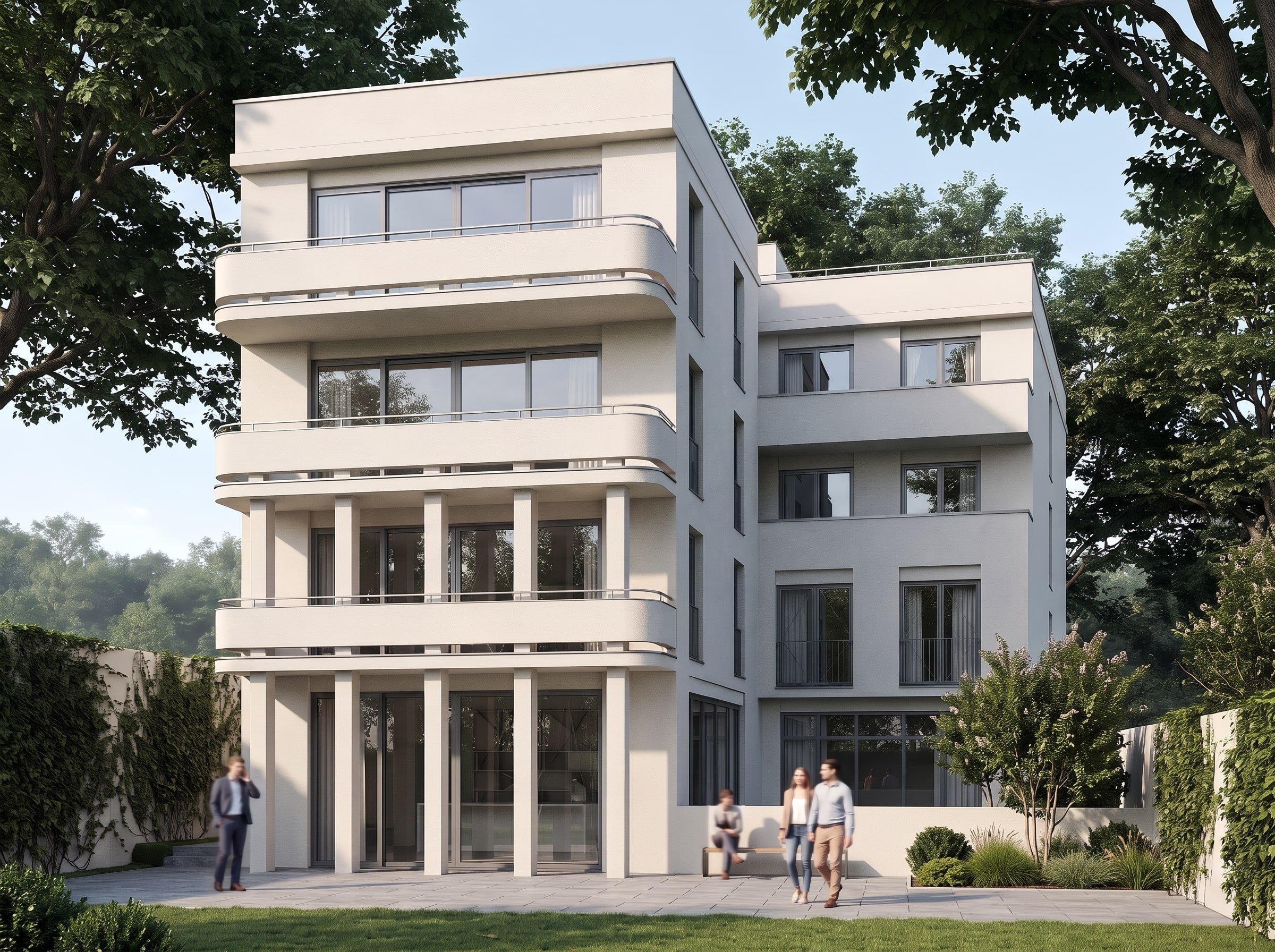
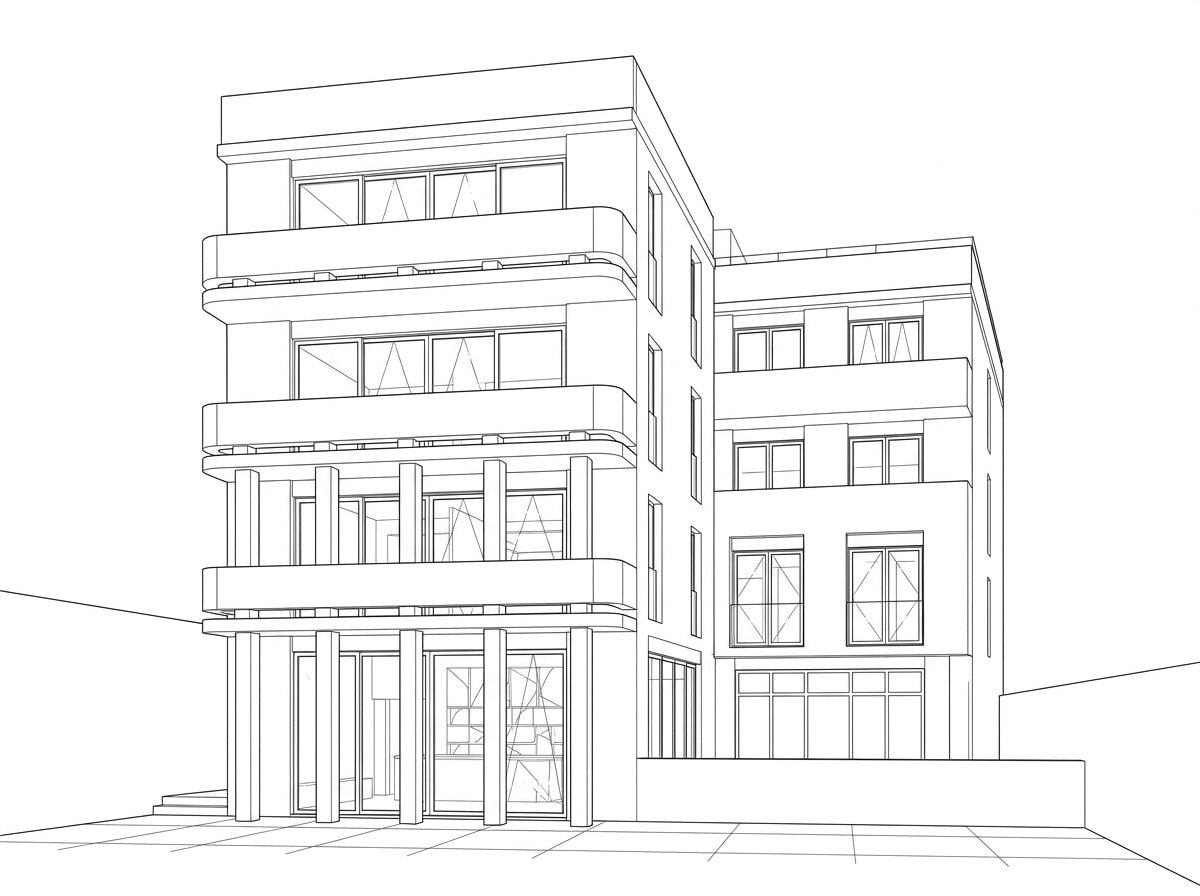
Example 7: the model screenshot, and the Vizease render made from it. 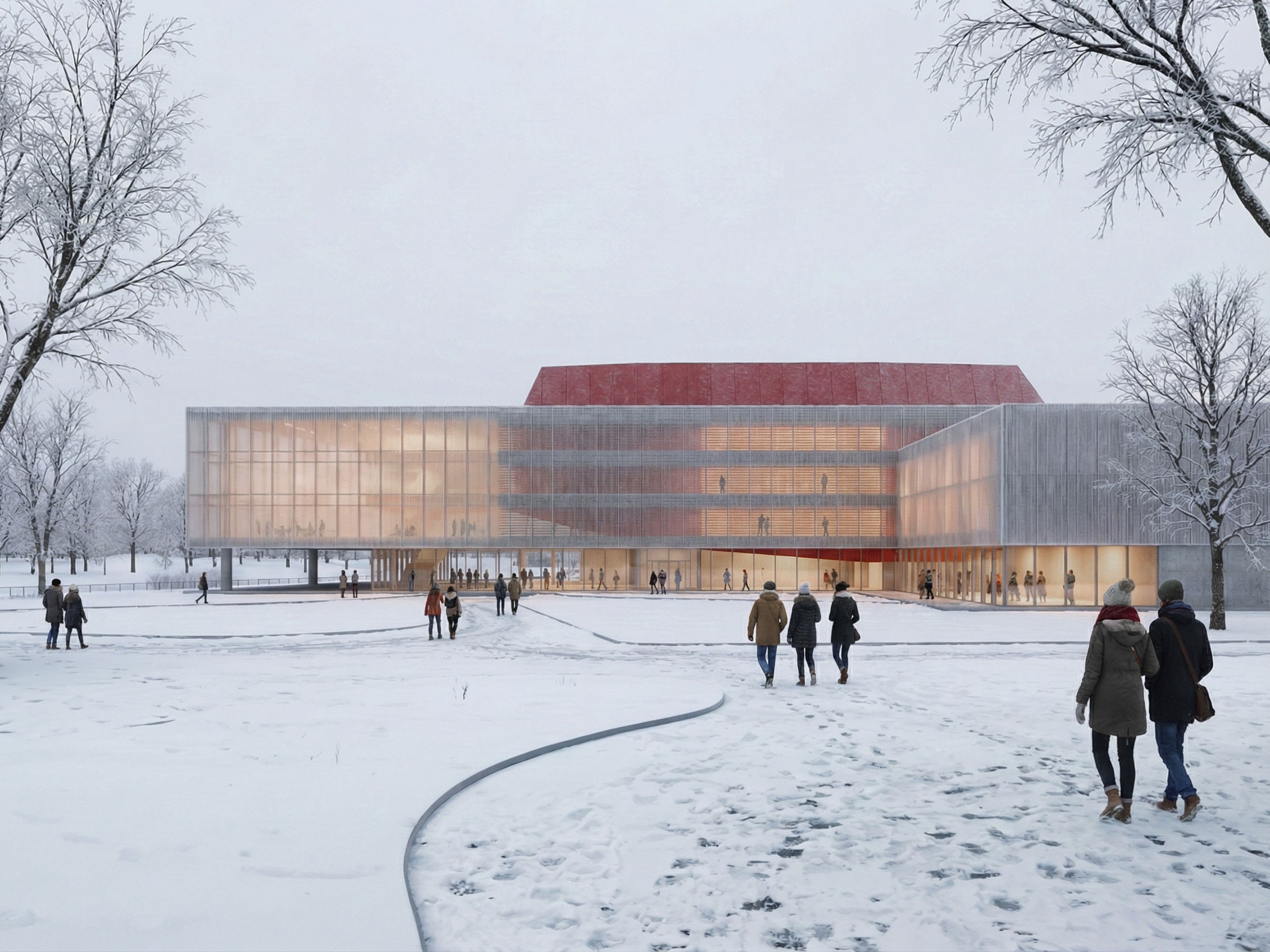
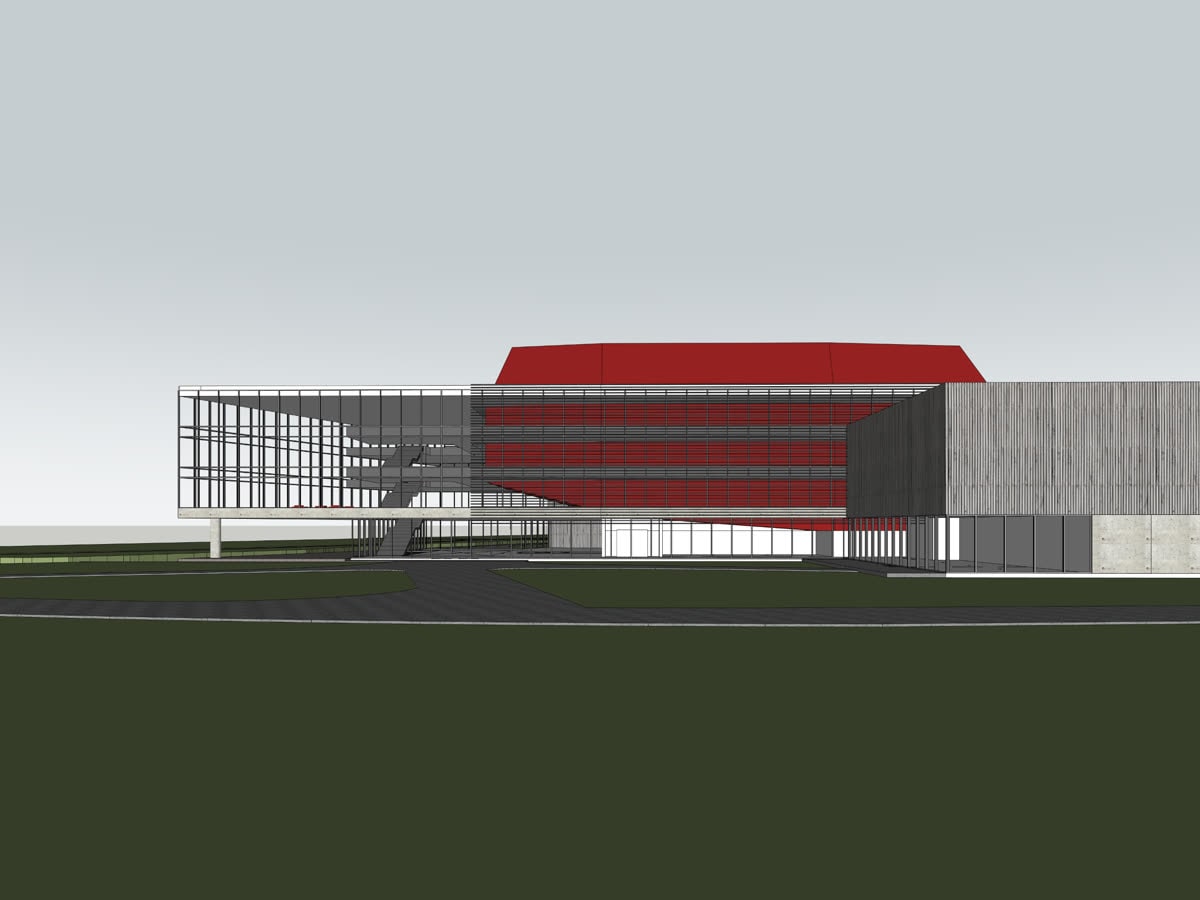
Example 8: the model screenshot, and the Vizease render made from it. 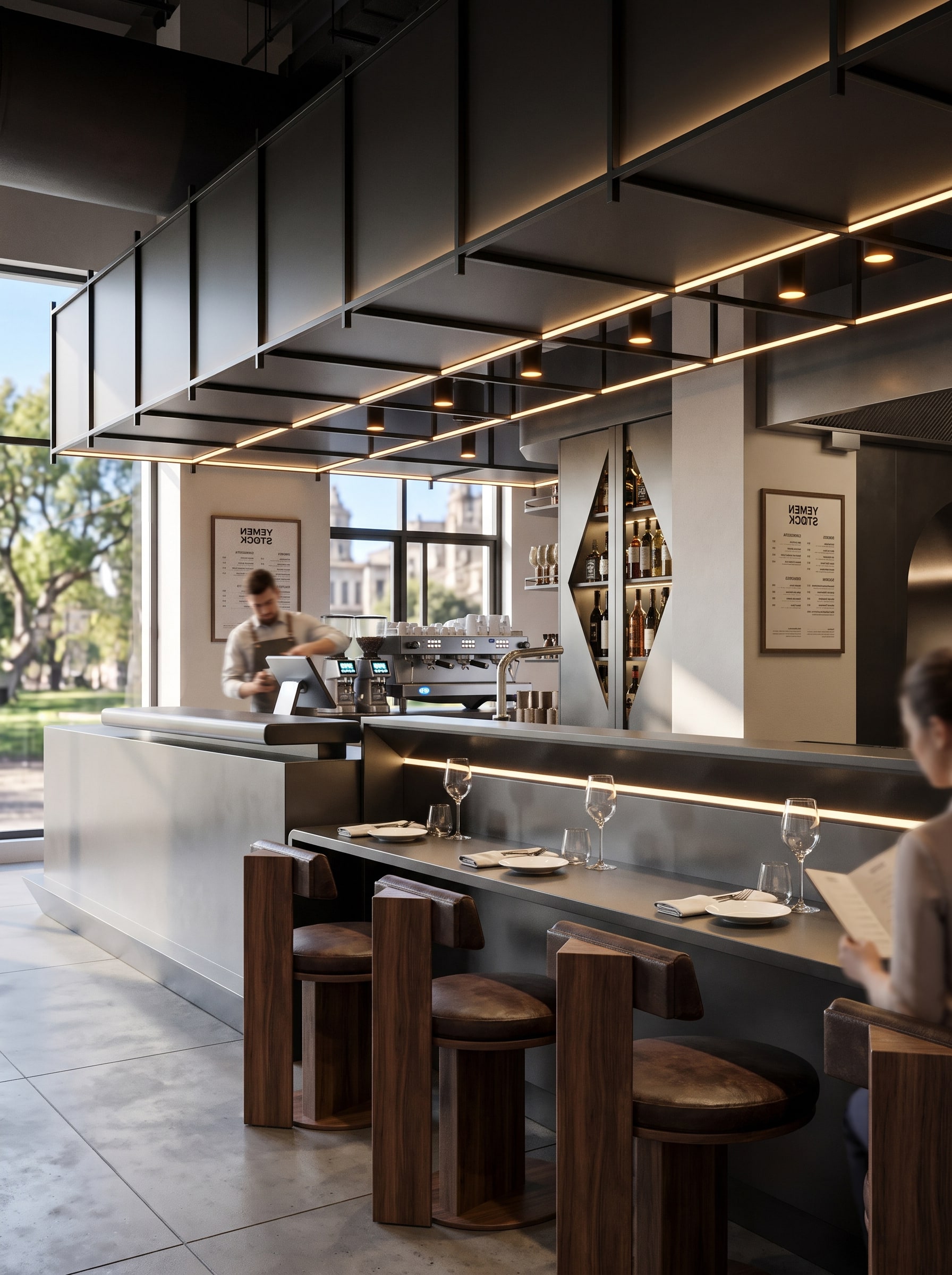
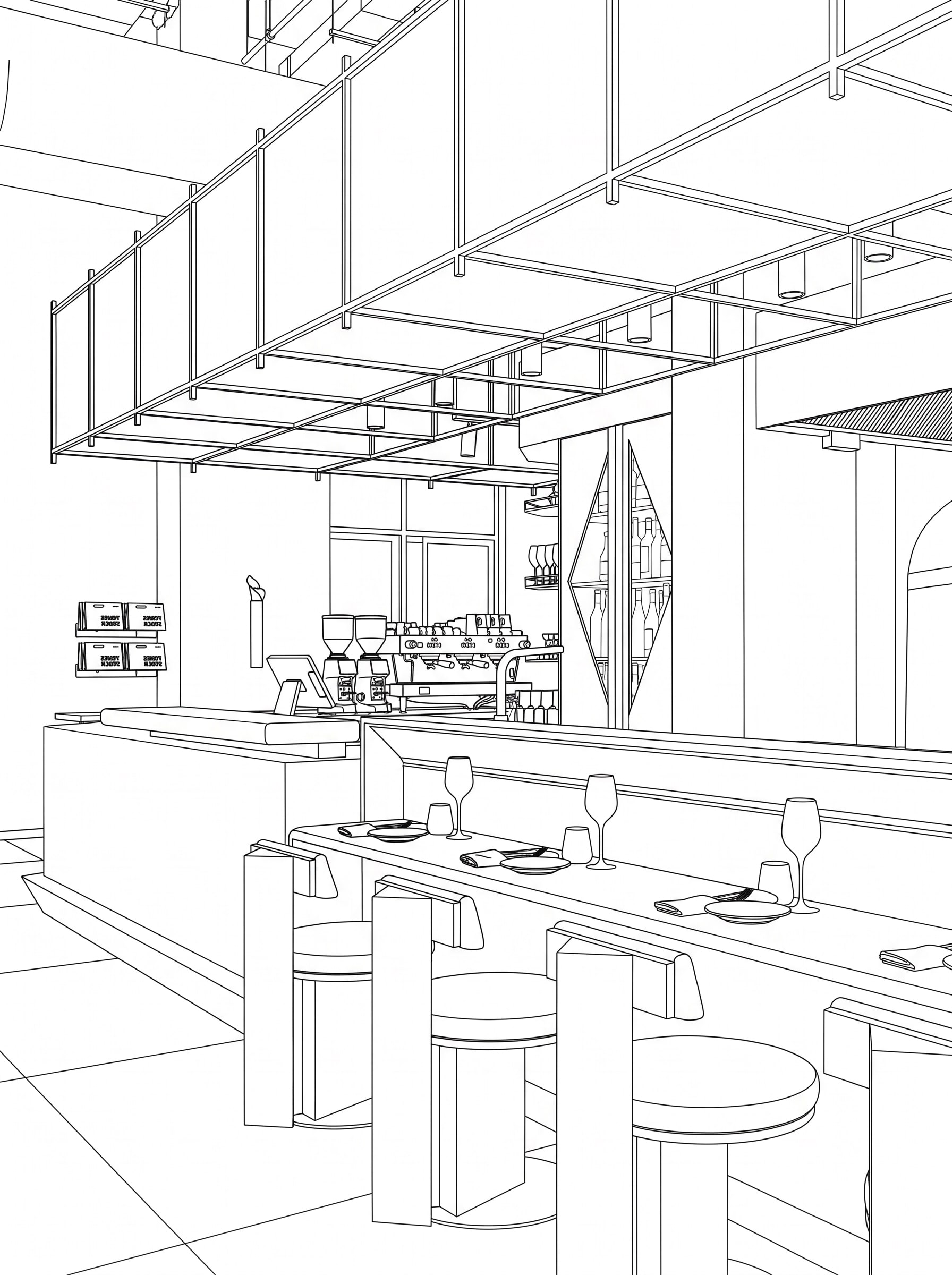
Example 9: the model screenshot, and the Vizease render made from it. 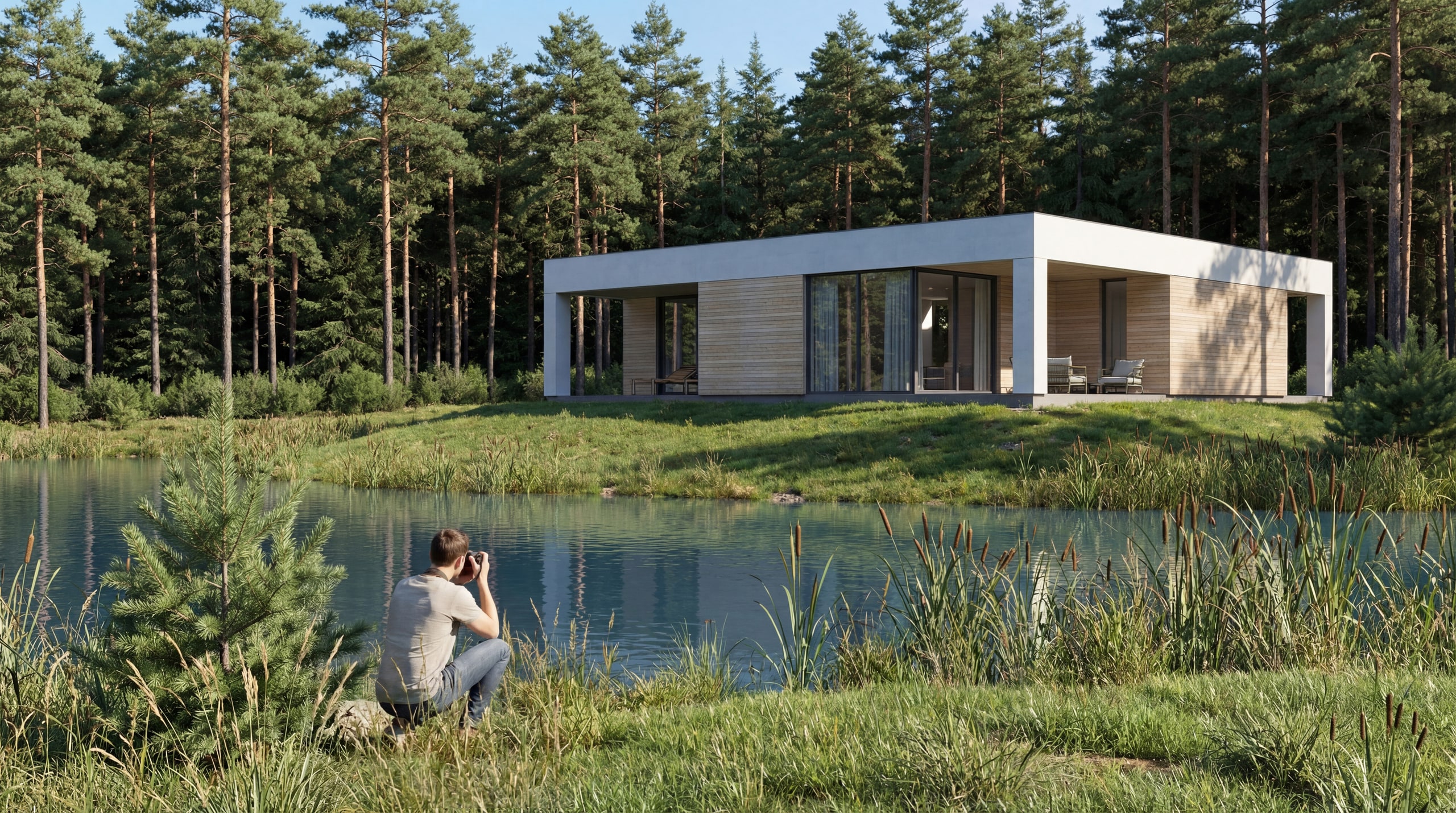
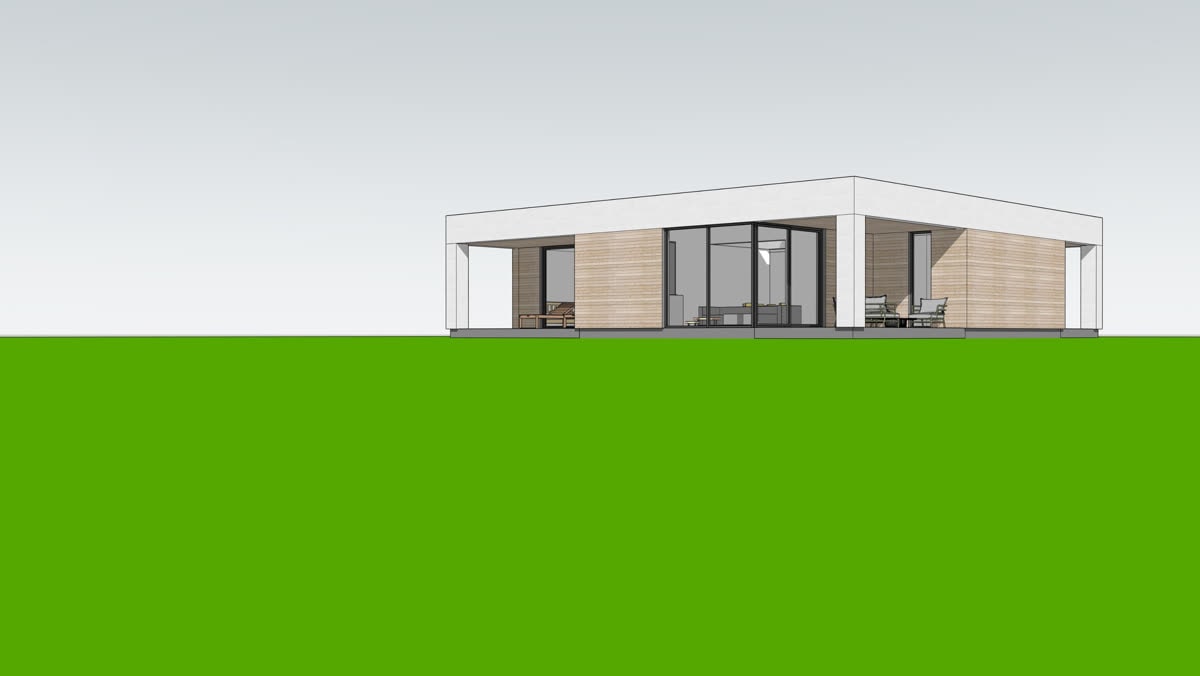
Example 10: the model screenshot, and the Vizease render made from it. 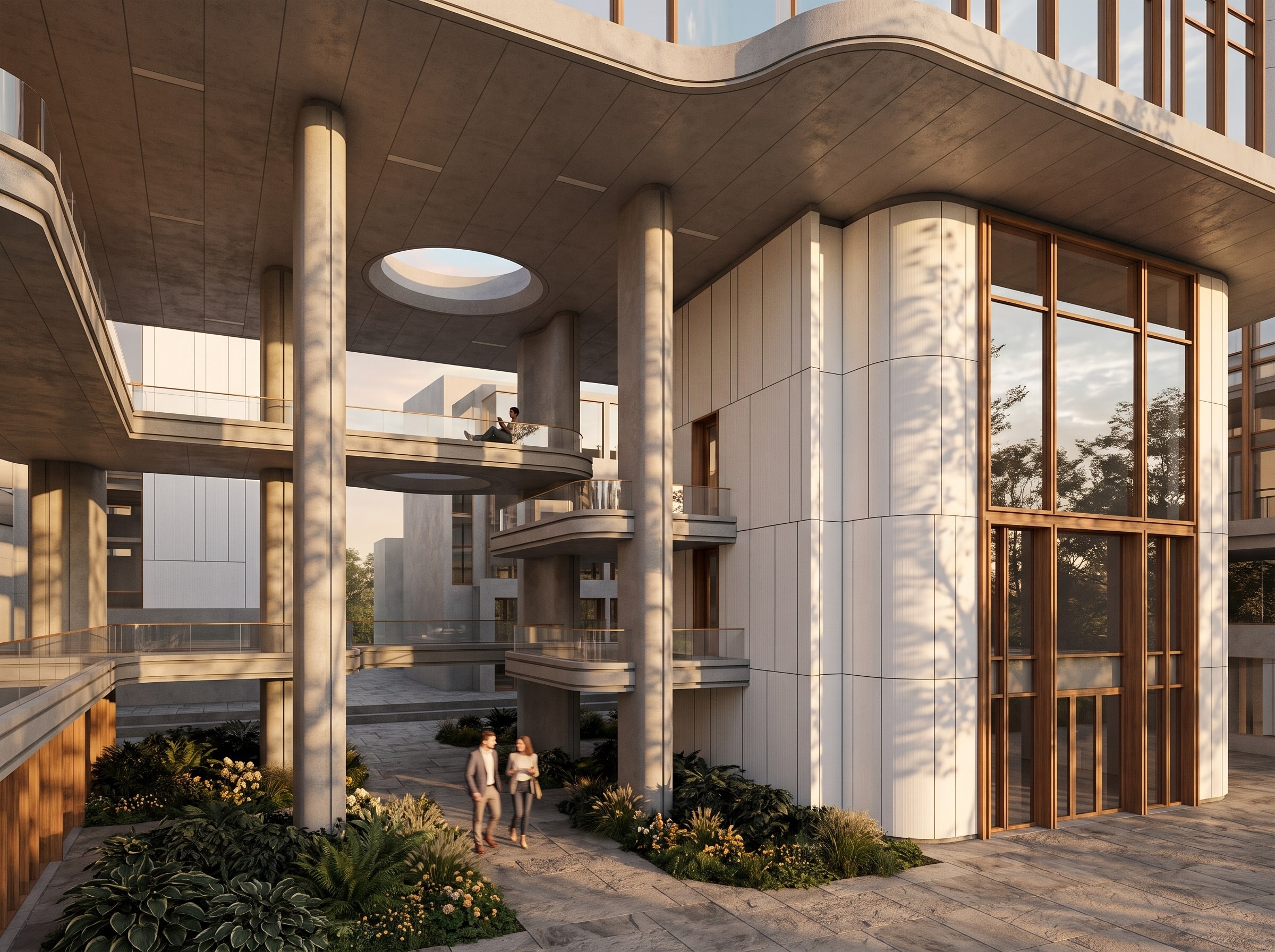
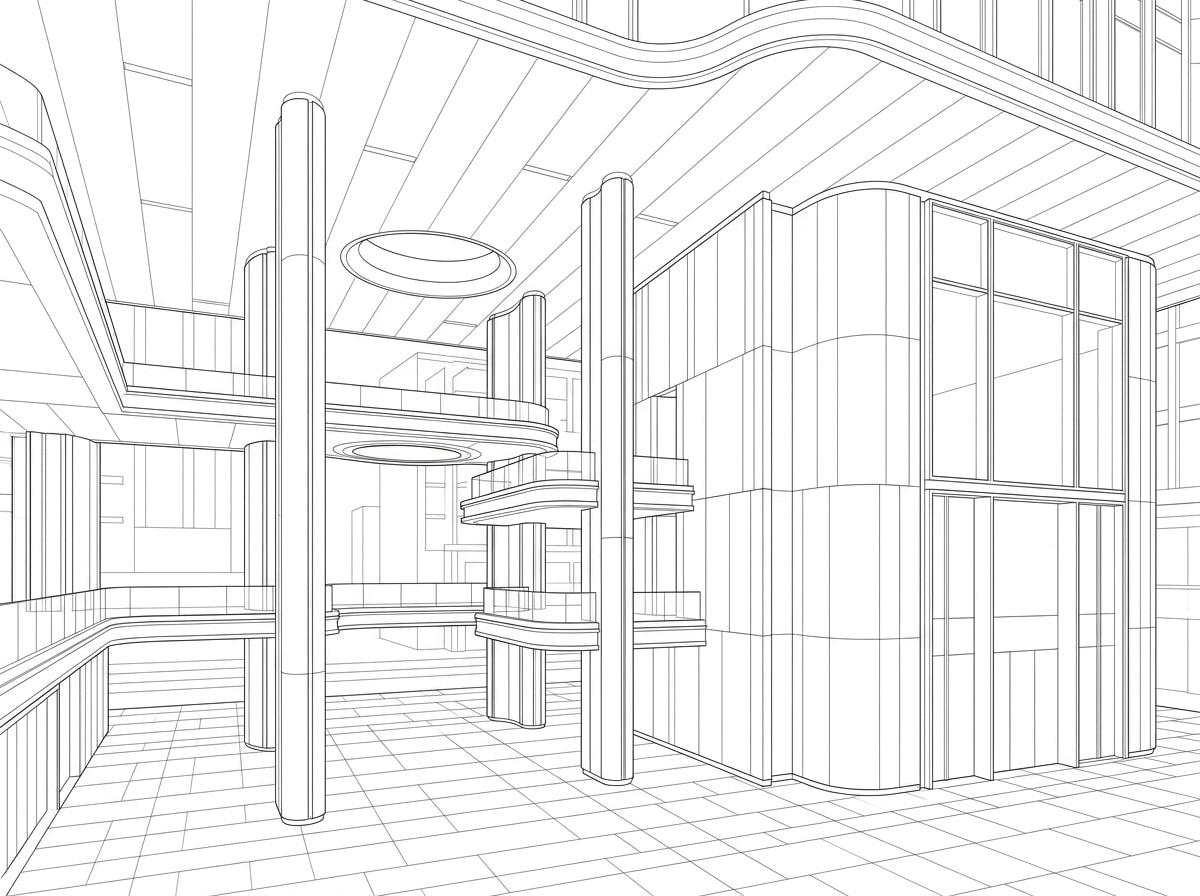
Example 11: the model screenshot, and the Vizease render made from it. 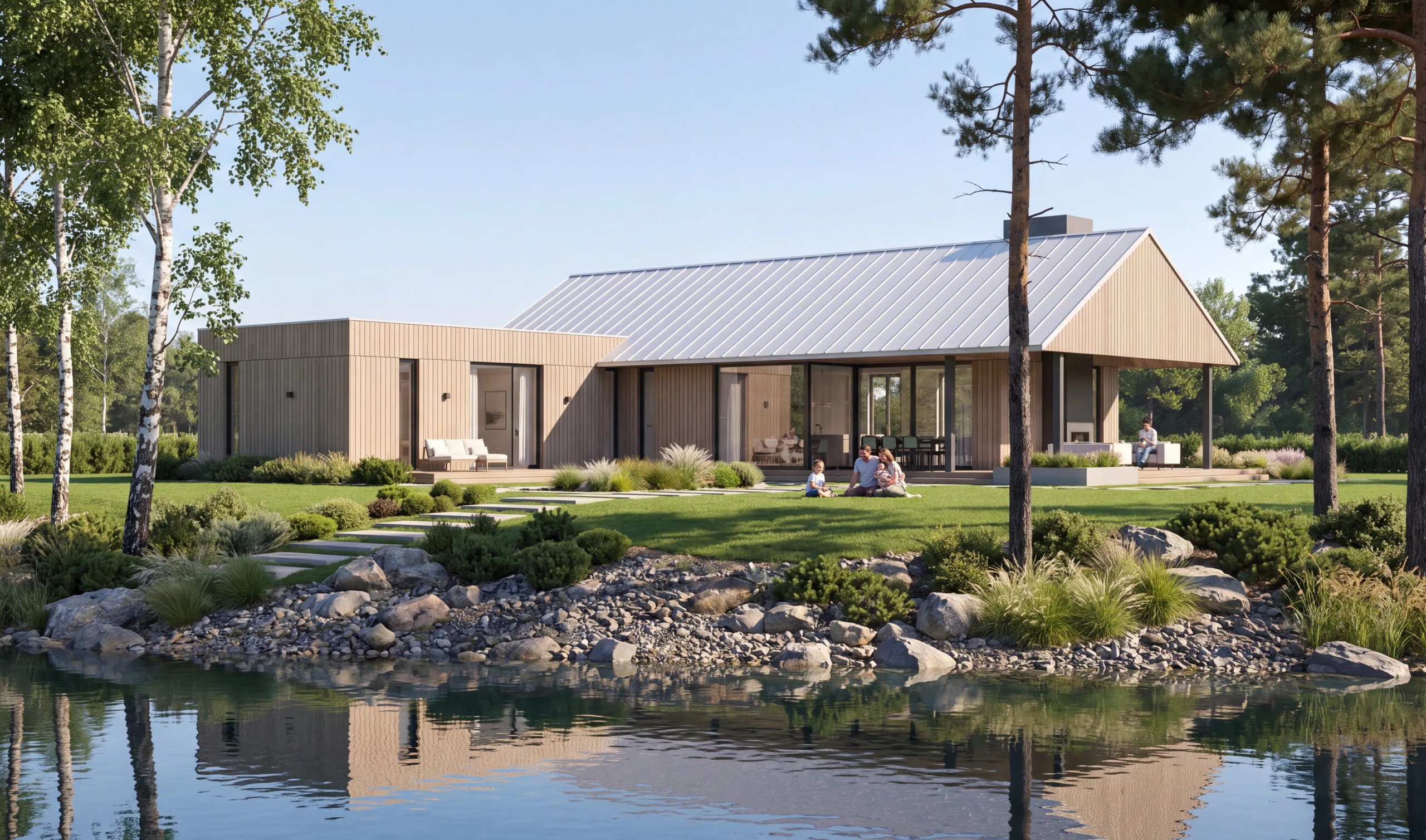
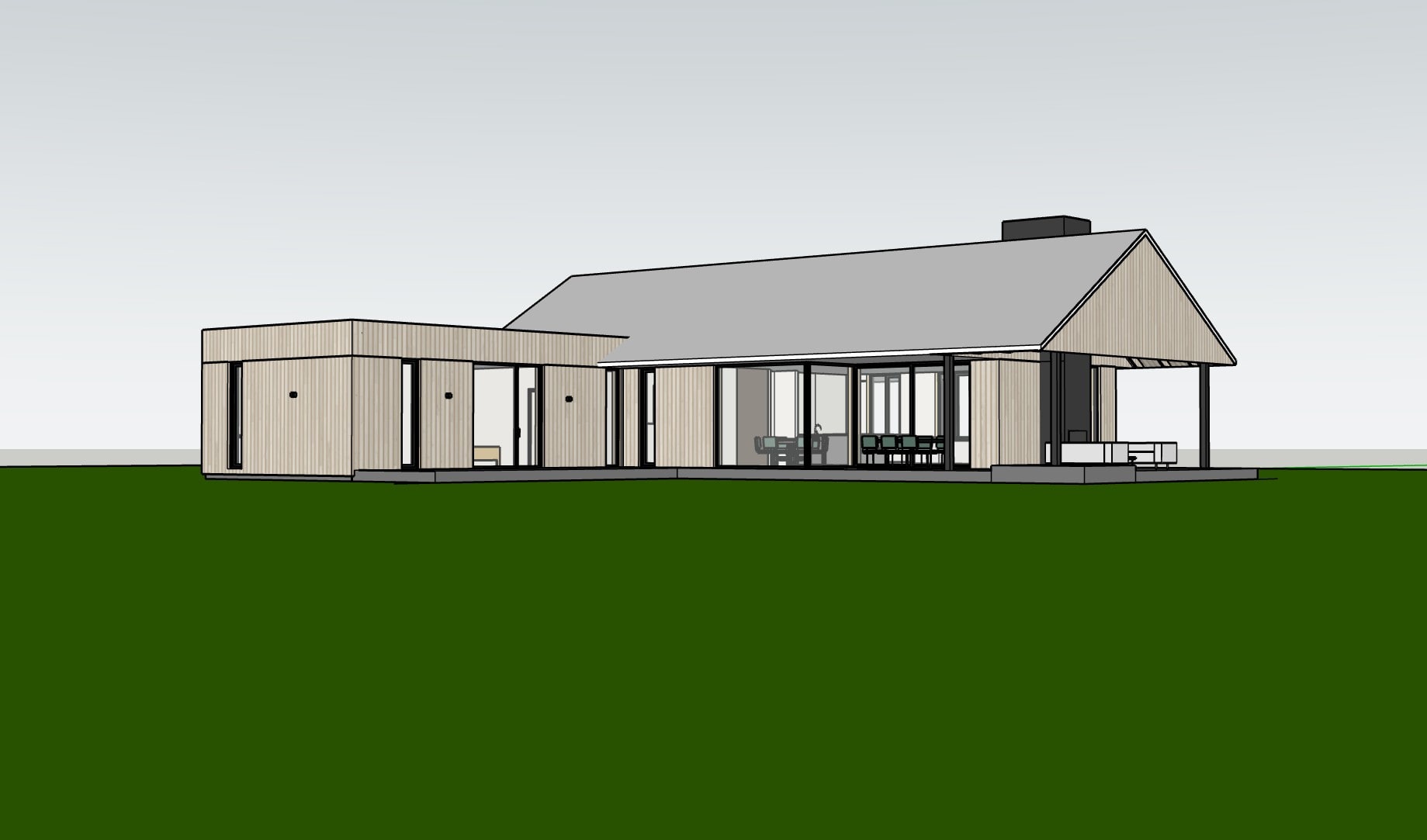
Example 12: the model screenshot, and the Vizease render made from it. 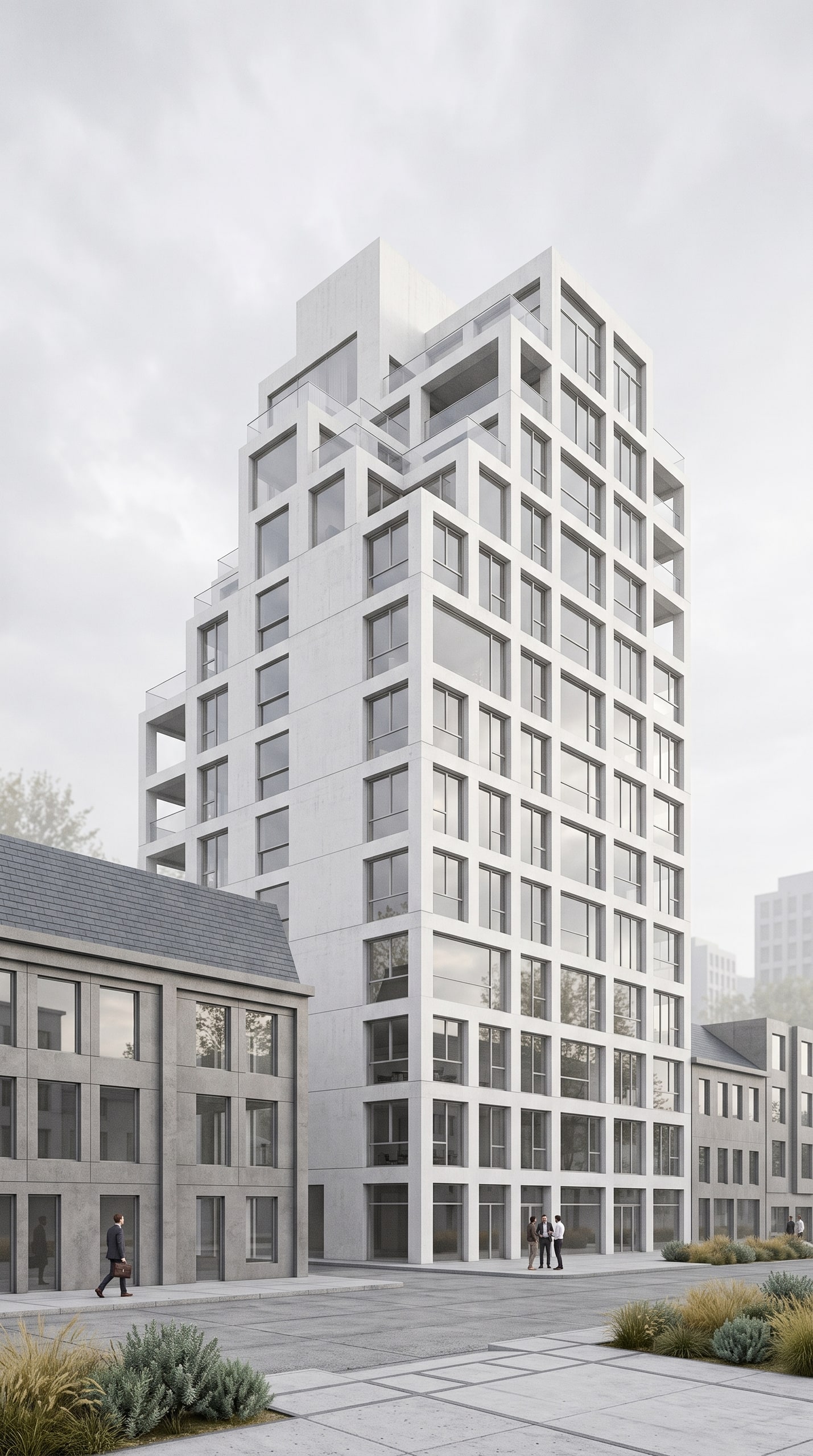
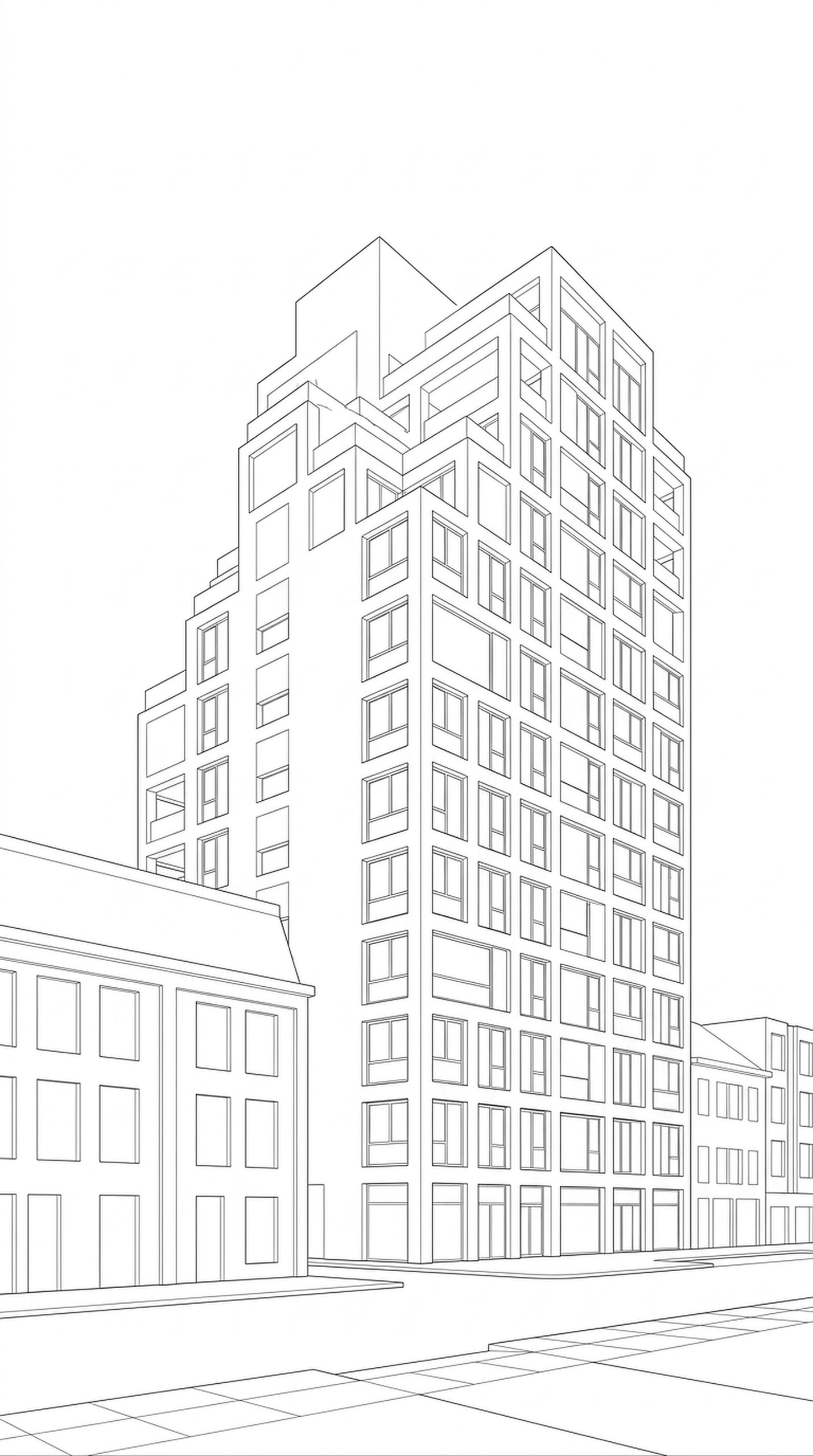
Example 13: the model screenshot, and the Vizease render made from it. 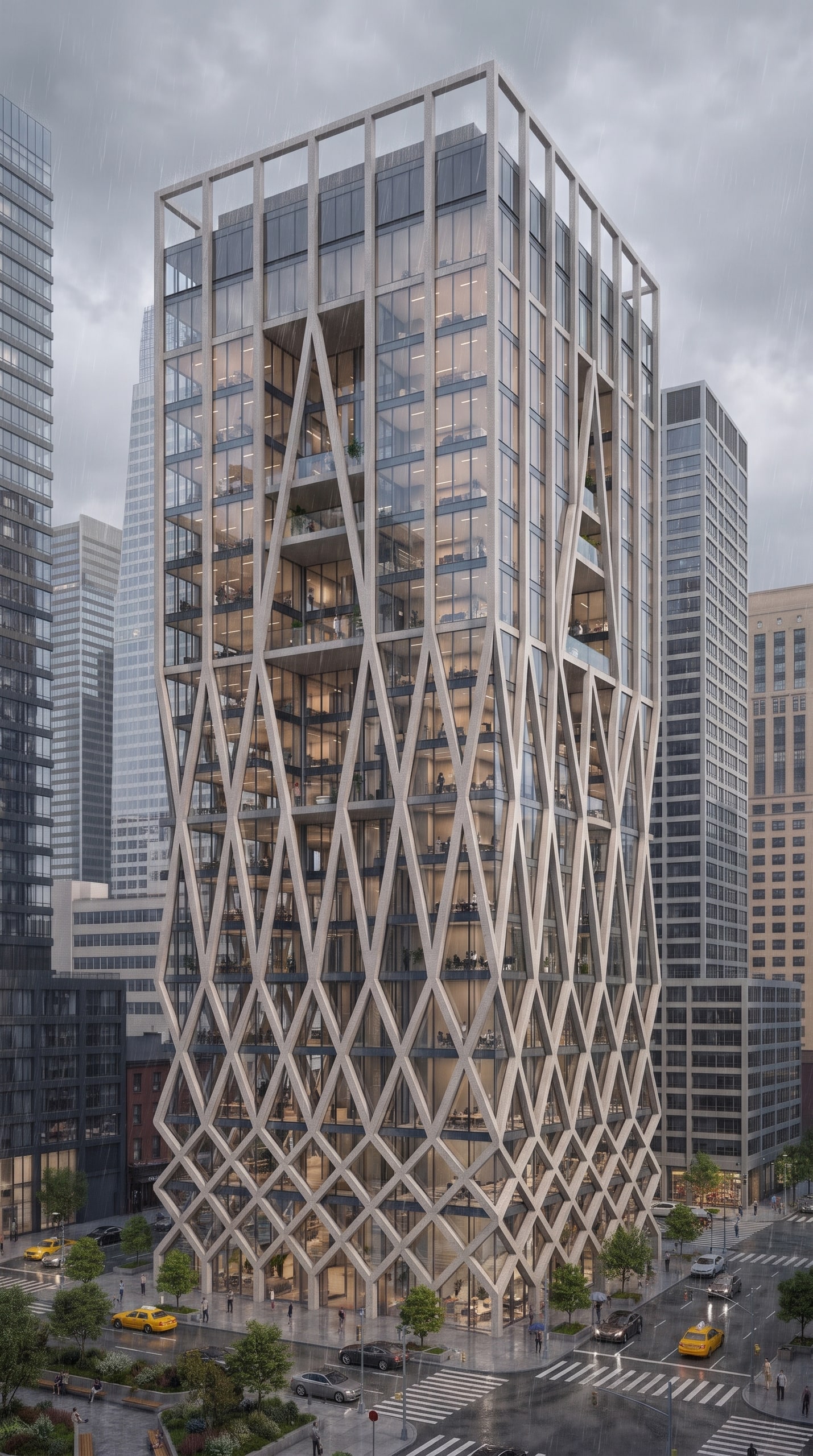
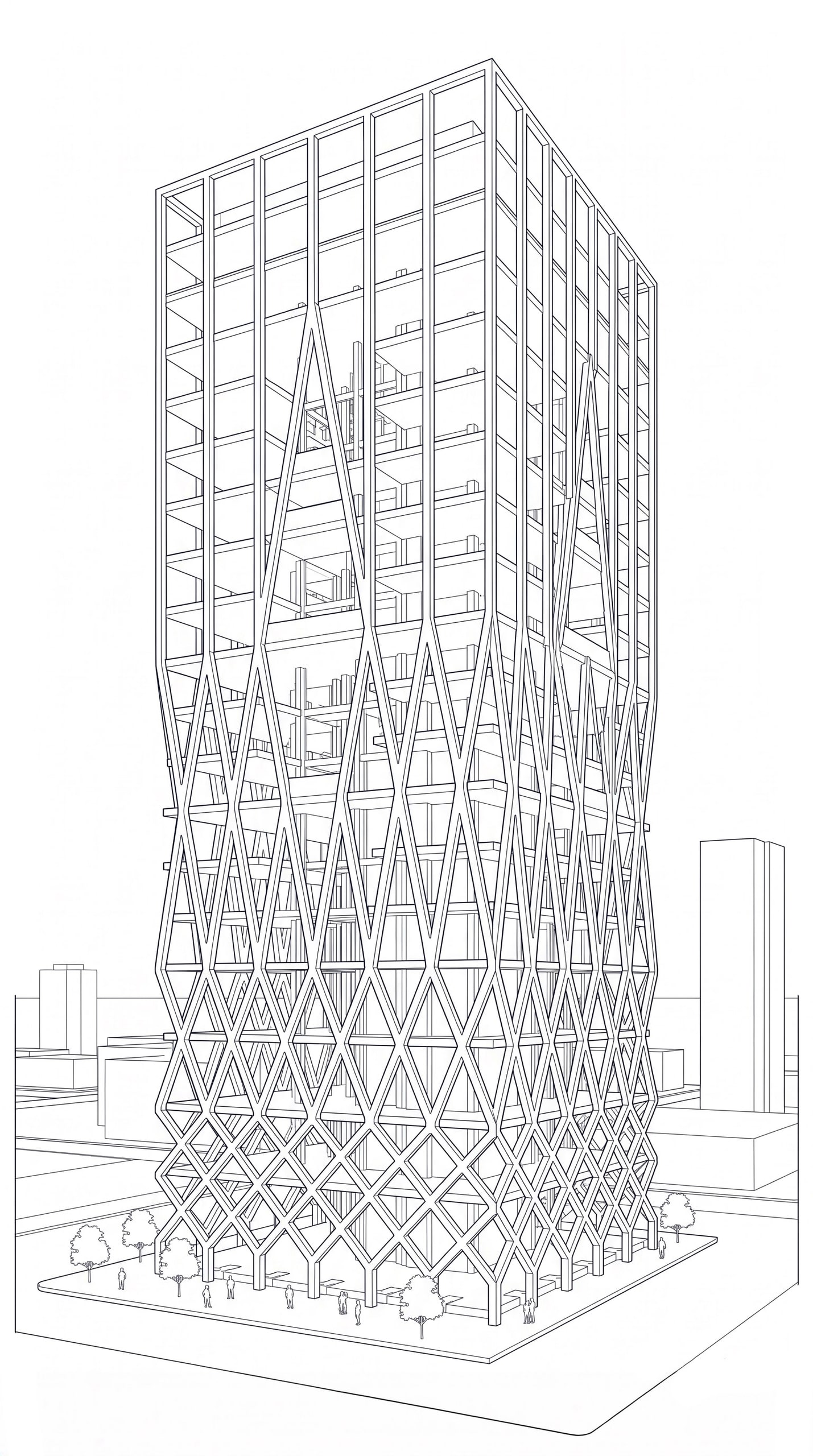
Example 14: the model screenshot, and the Vizease render made from it. 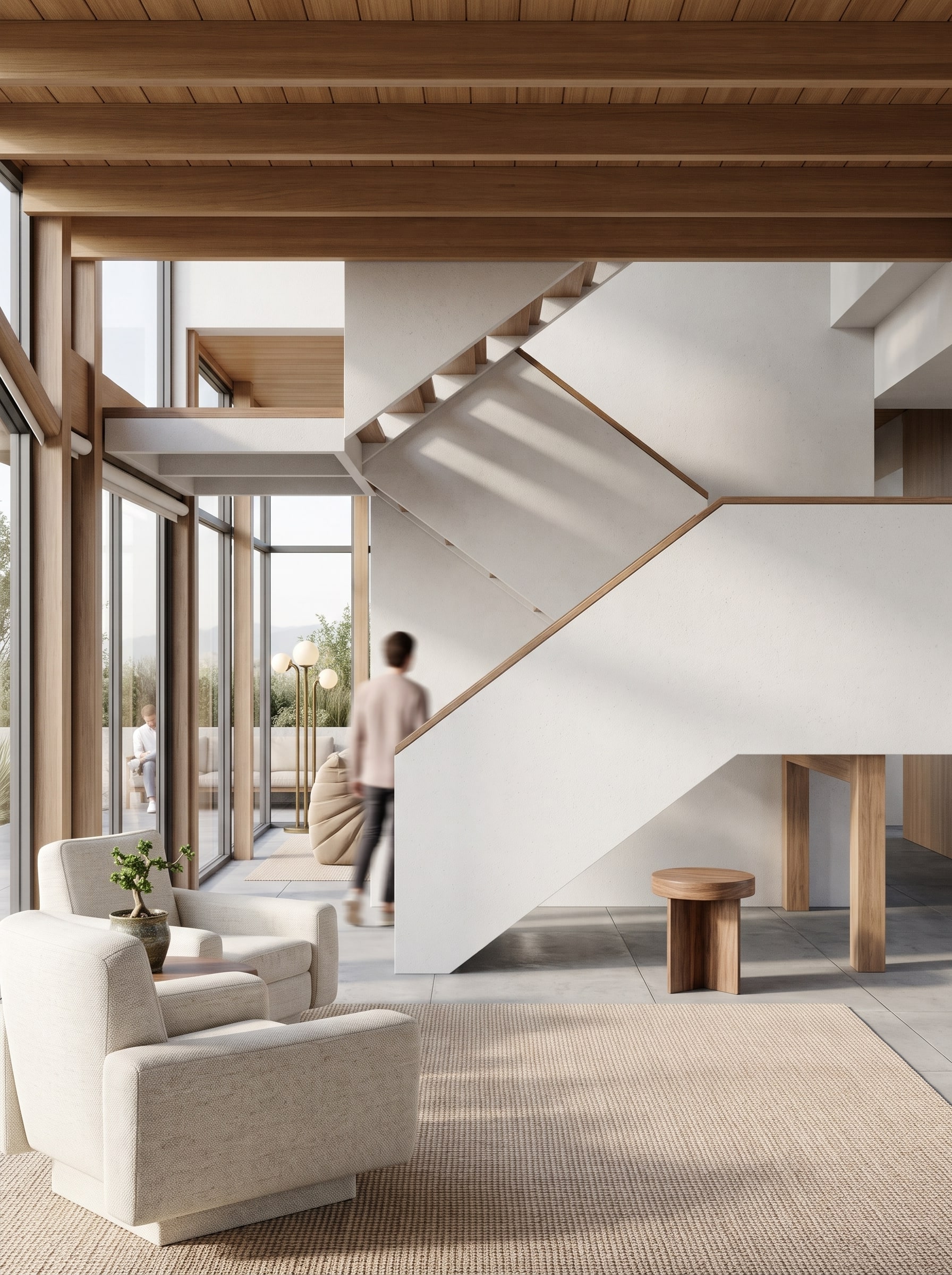
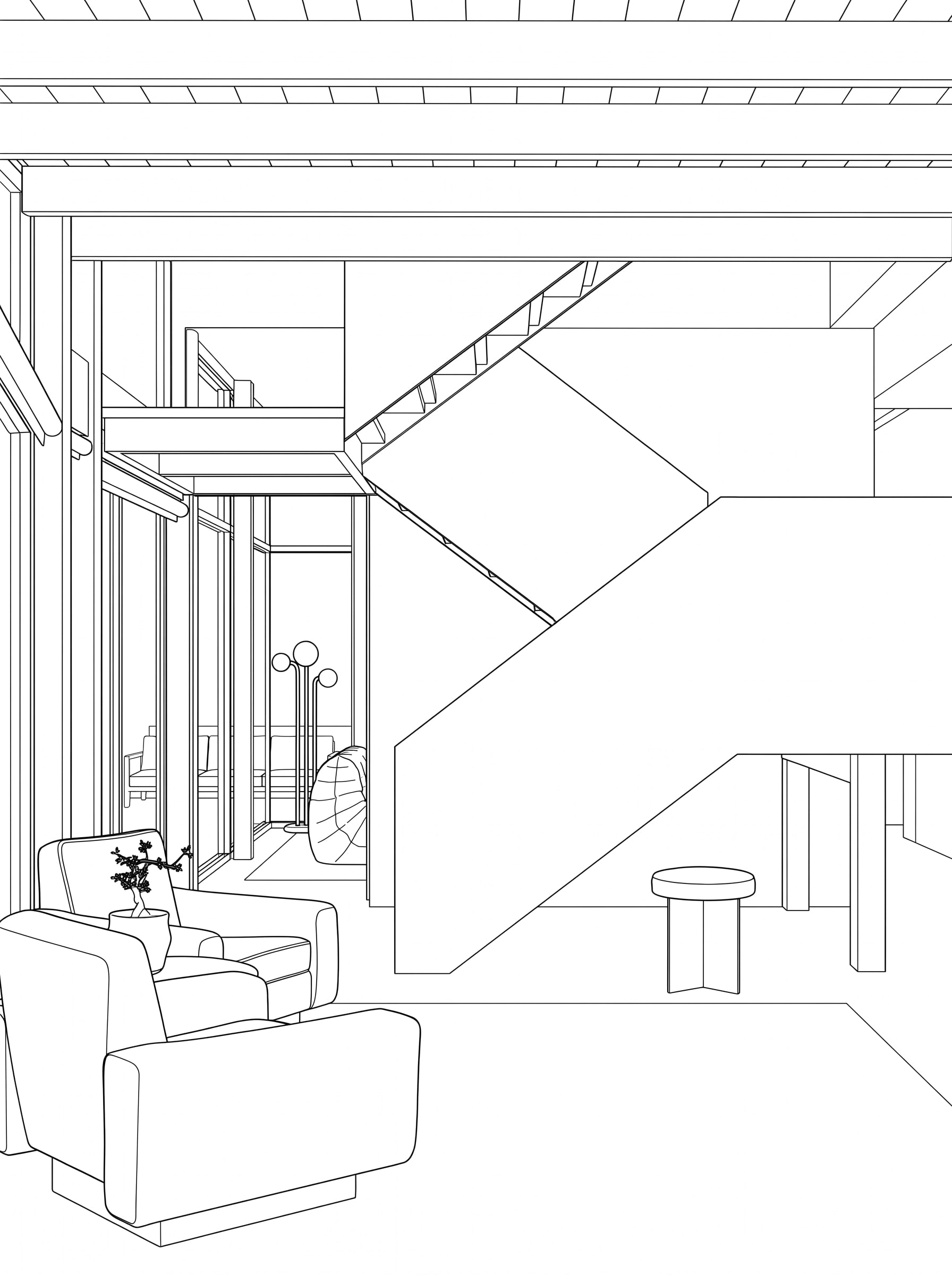
Example 15: the model screenshot, and the Vizease render made from it. 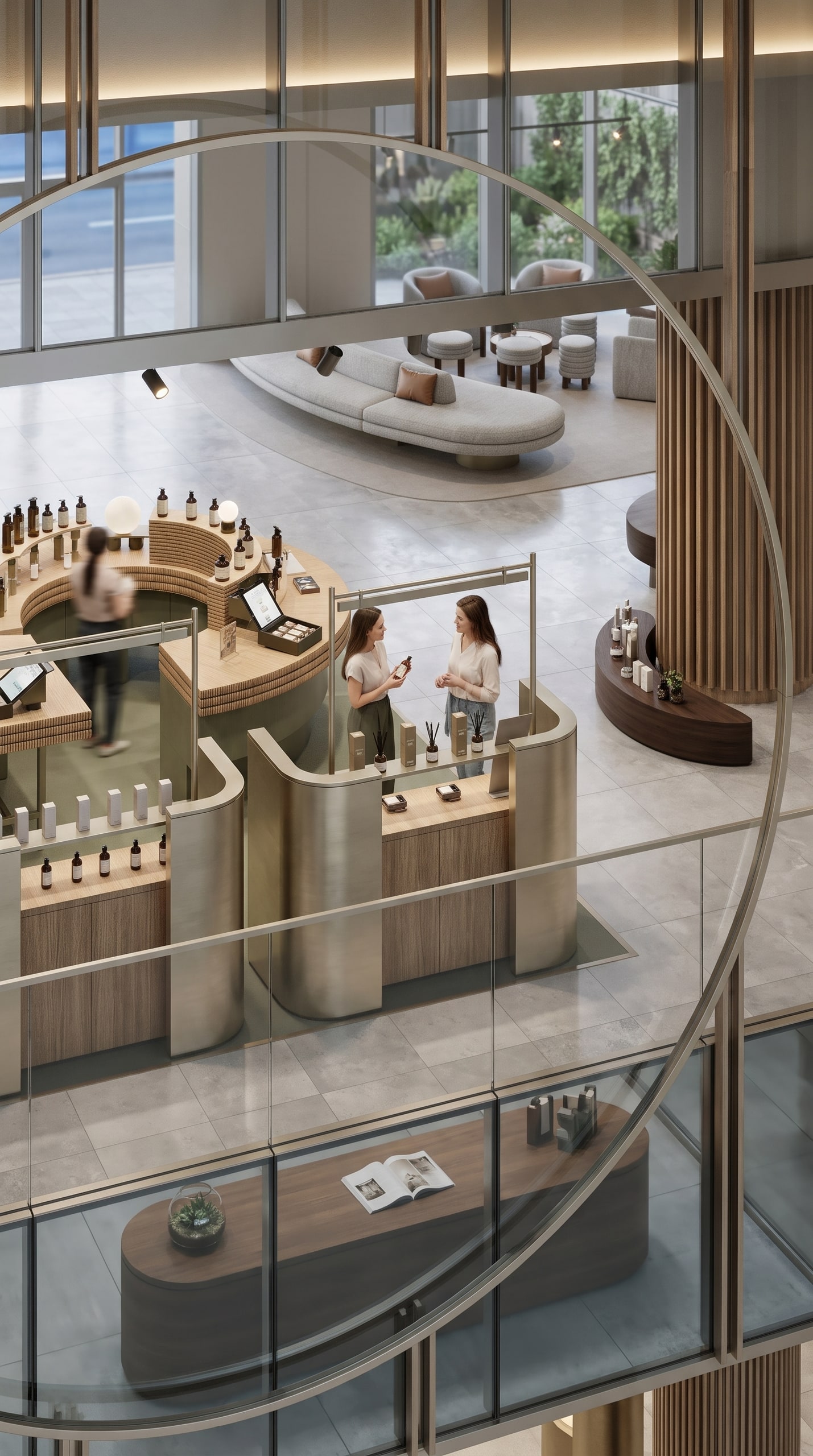
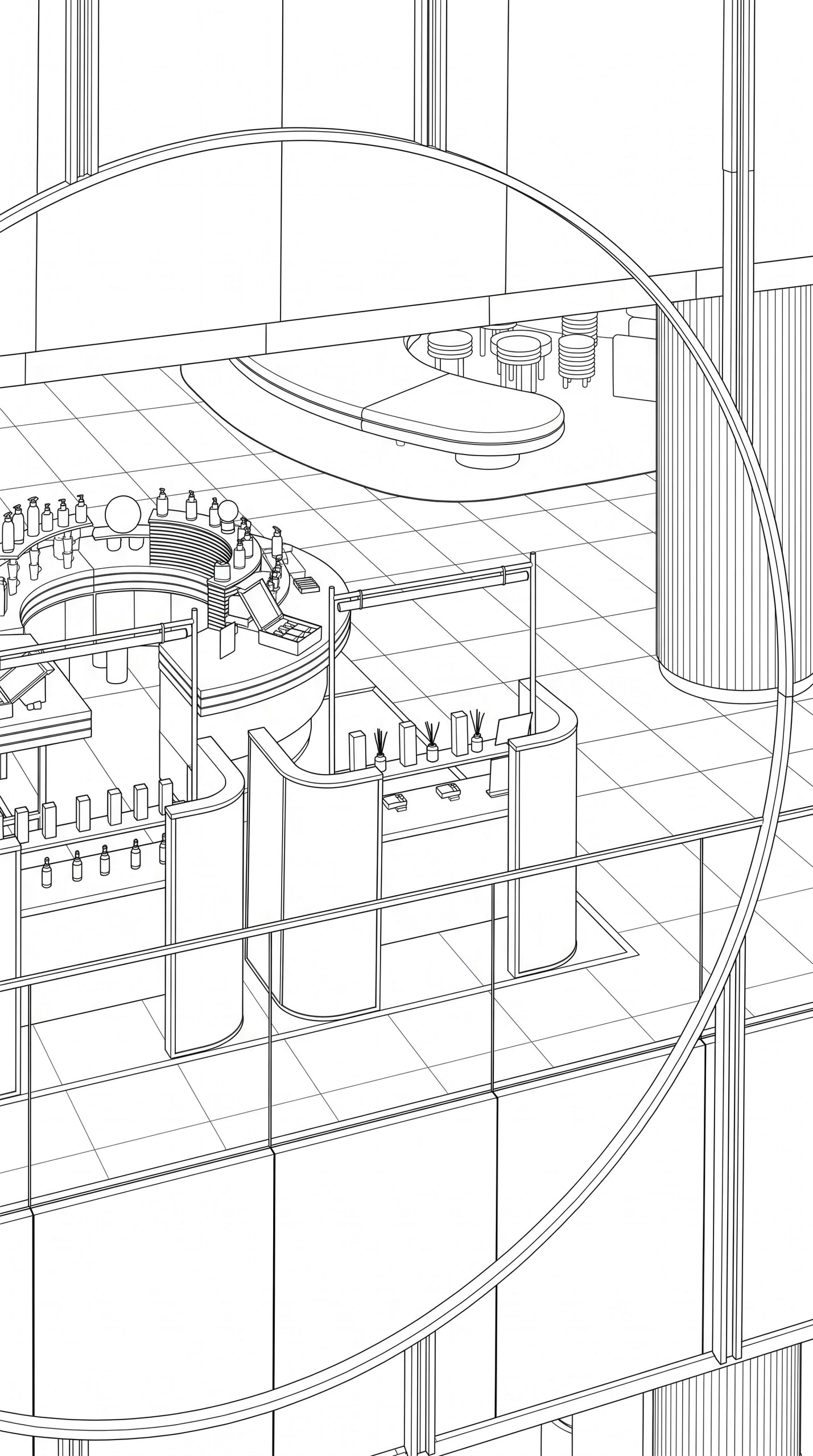
Example 16: the model screenshot, and the Vizease render made from it. 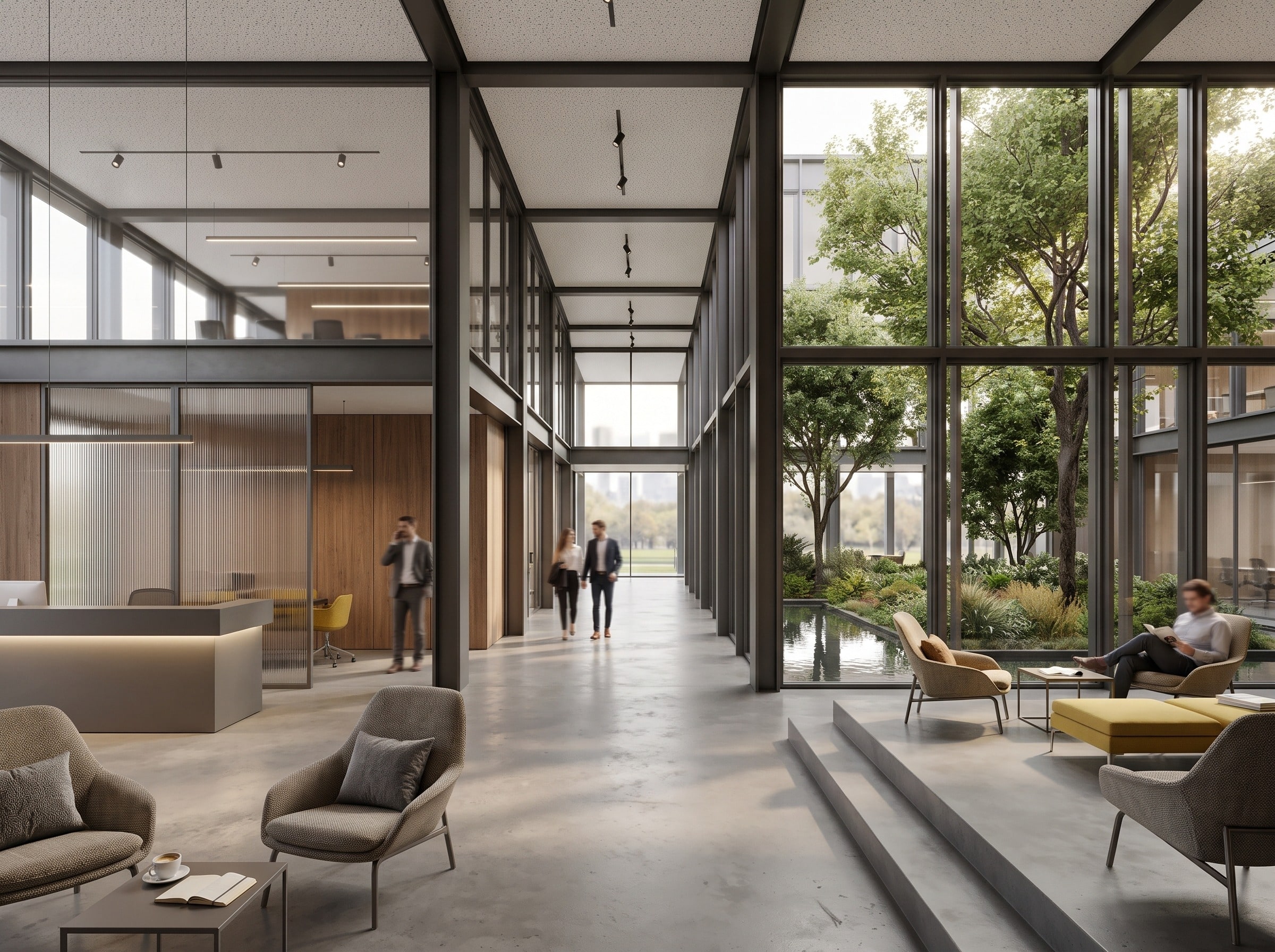
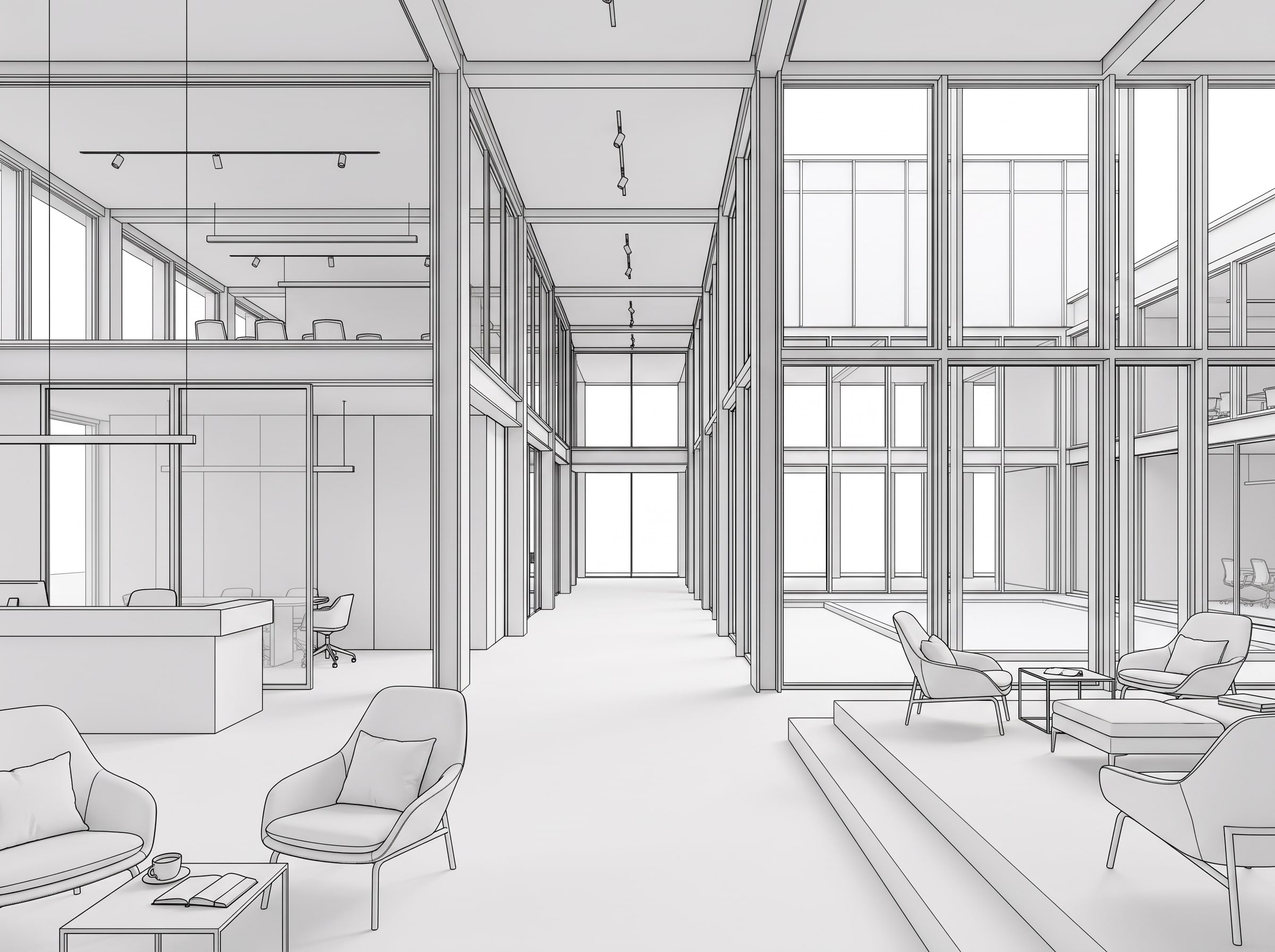
Example 17: the model screenshot, and the Vizease render made from it. 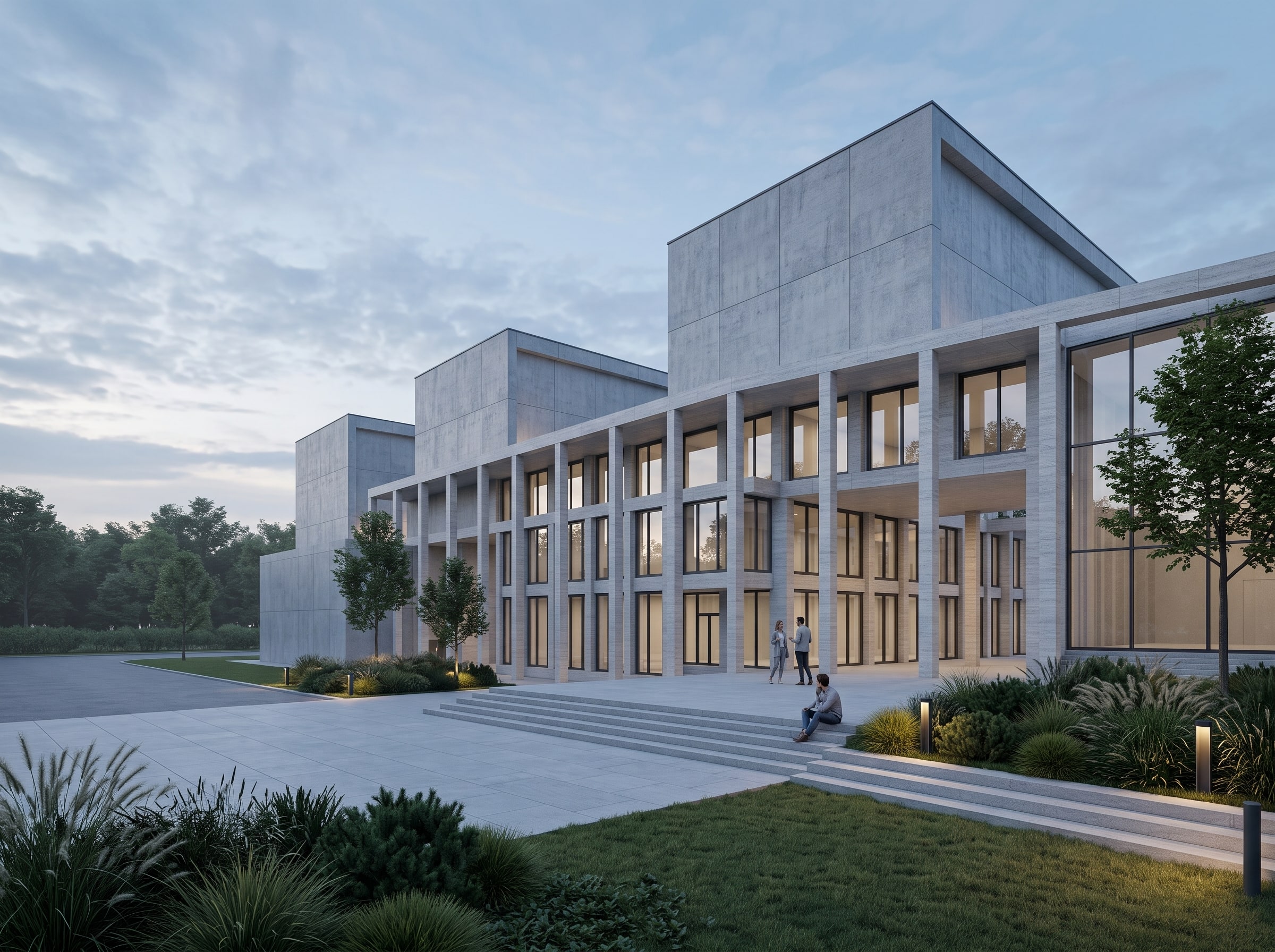
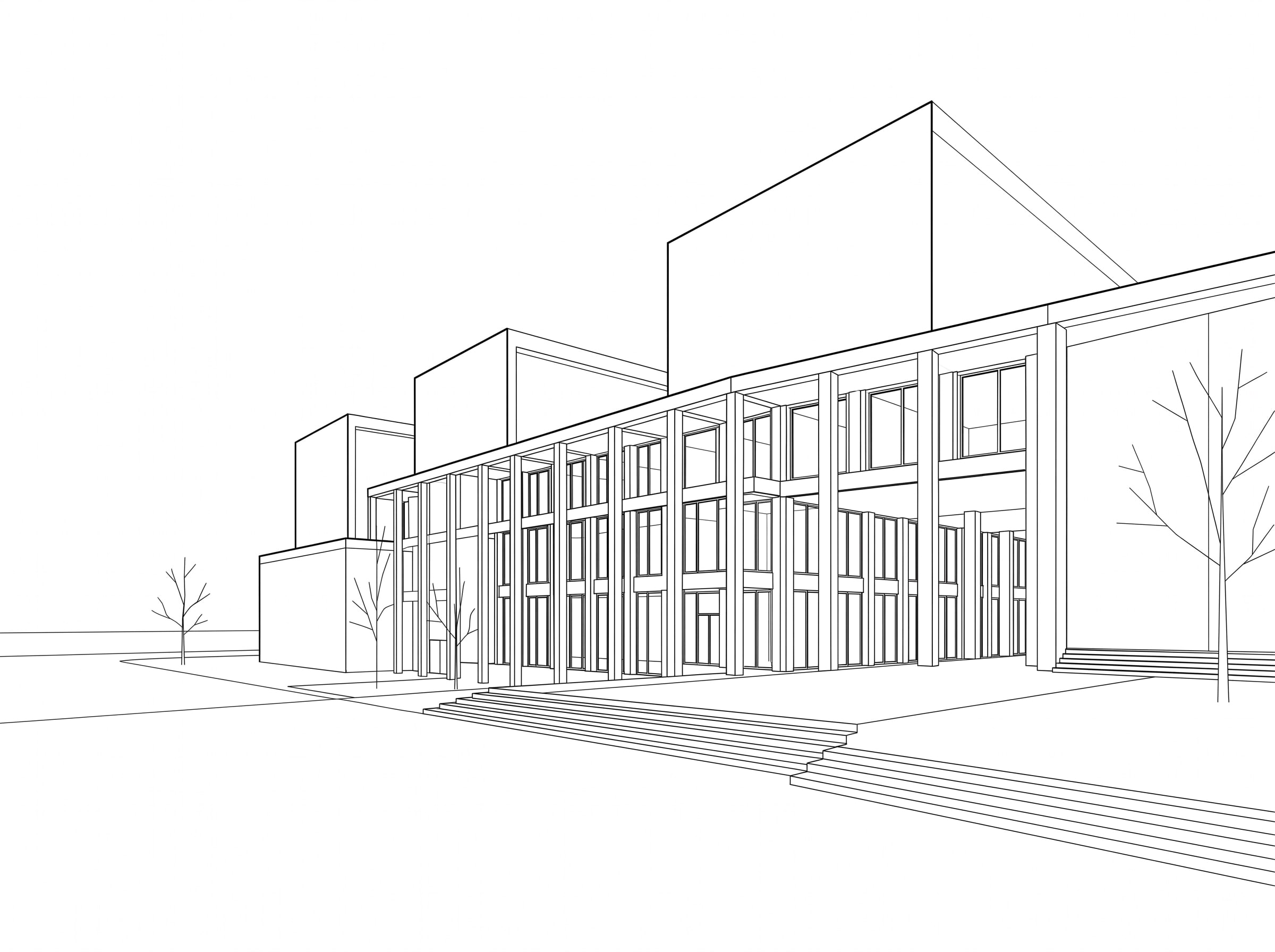
Example 18: the model screenshot, and the Vizease render made from it. 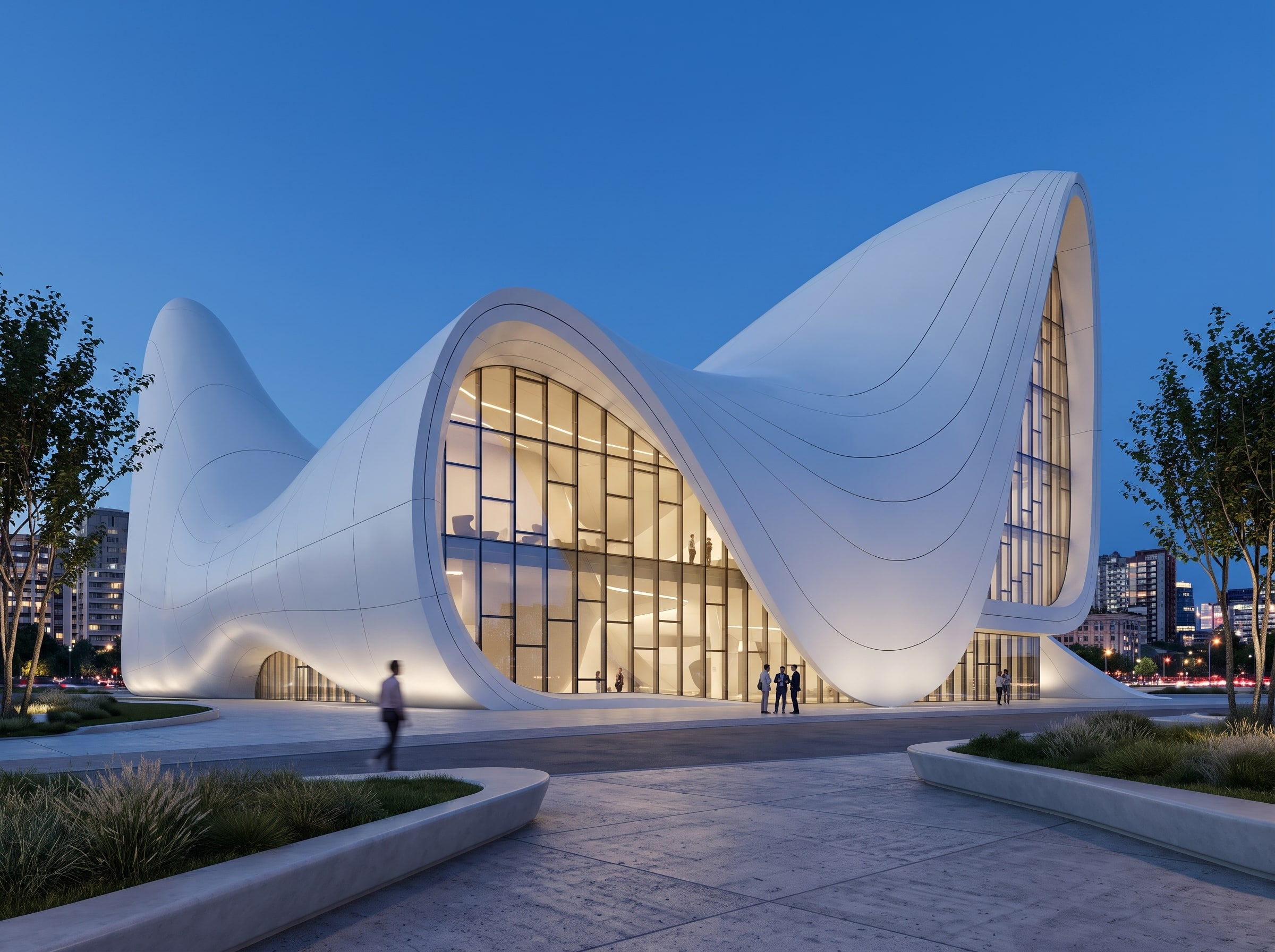
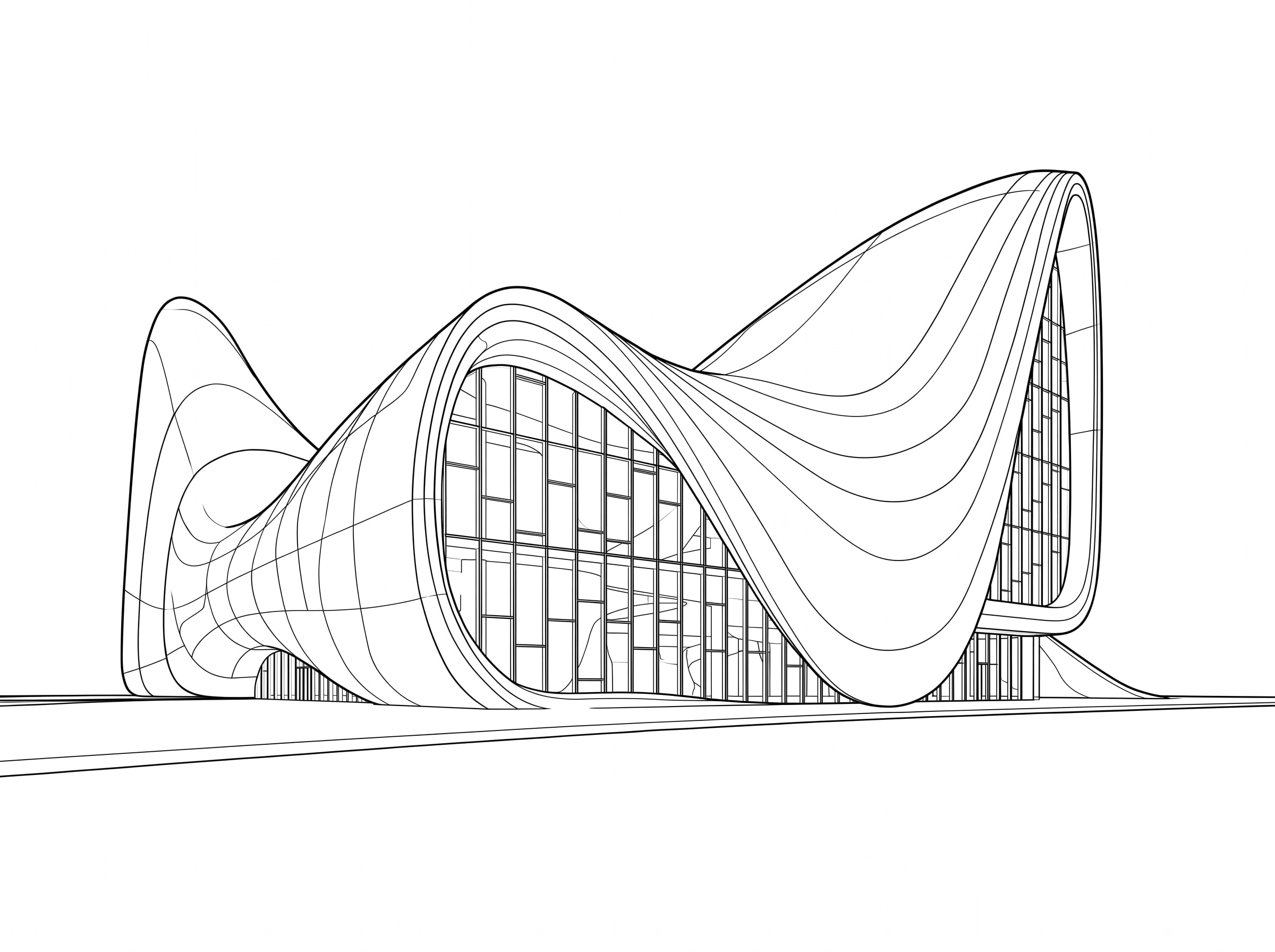
Example 19: the model screenshot, and the Vizease render made from it. 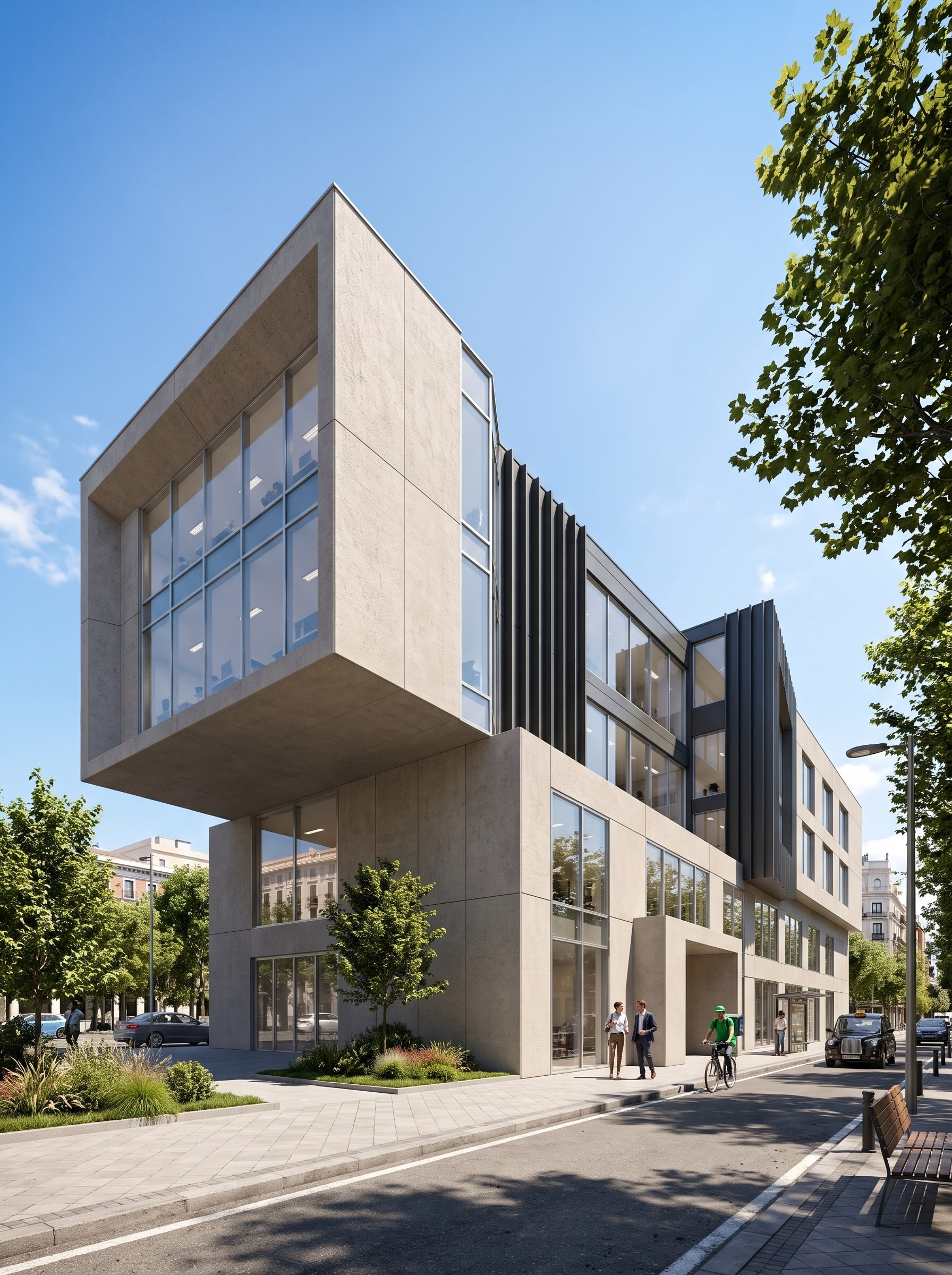
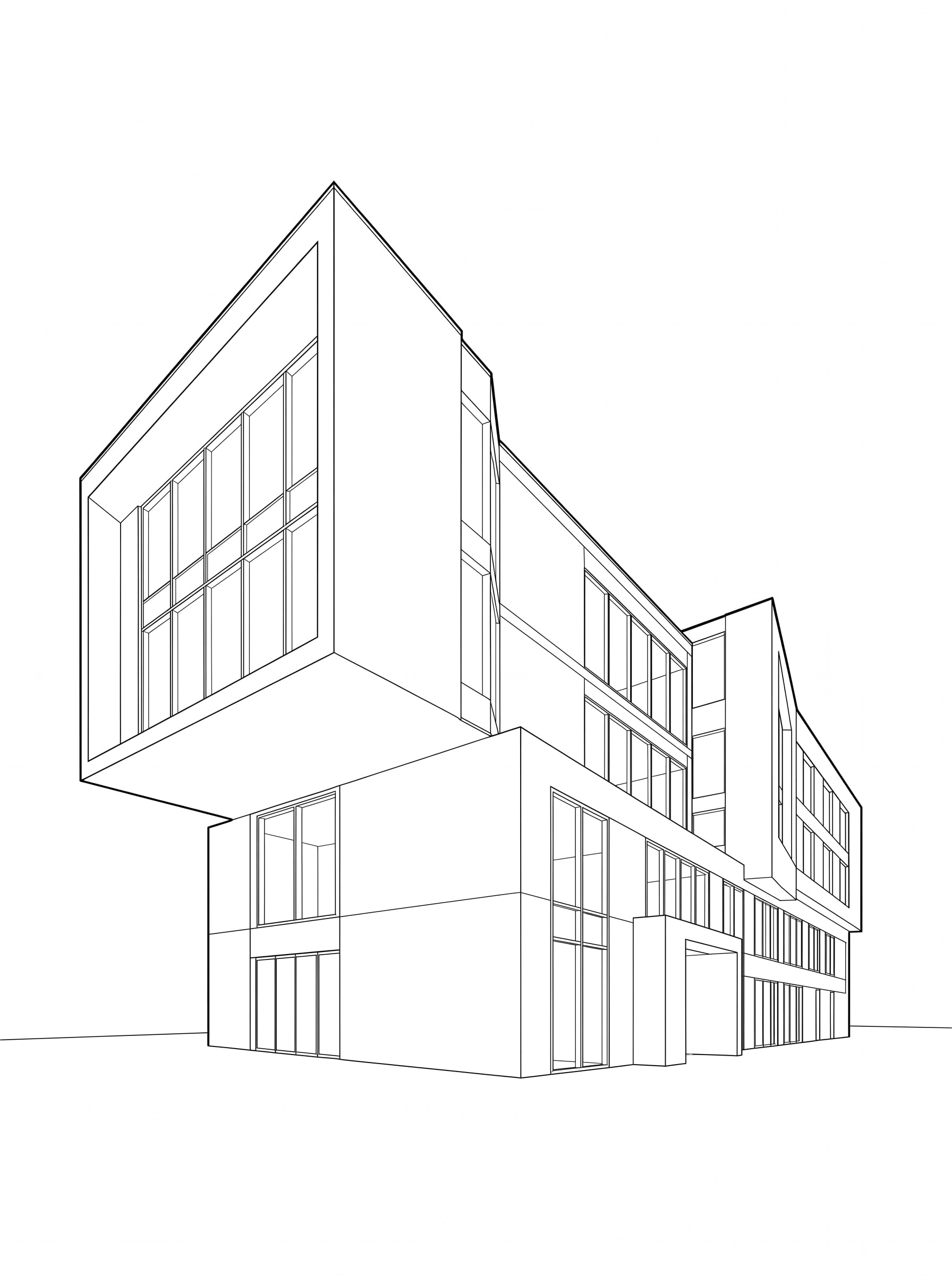
Example 20: the model screenshot, and the Vizease render made from it.